meta data for this page
Shadows: Rule 1 - Shadow Margin
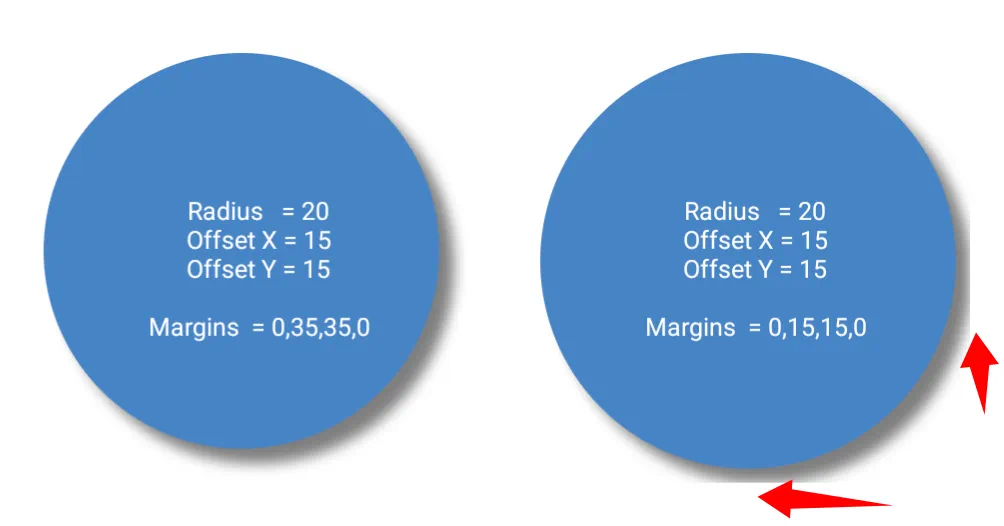
Every graphic object, whether acting as a visible image or an invisible container, exists within a strict rectangular bounding box. If a shadow attempts to cast outside this box, it immediately hits the invisible wall and is clipped (cut off flat as shown in the middle image display).
- The Fix: - Force the object inward by increasing its margins to allow the shadow room to render without being chopped off.
- The Formula: - Increase the margins only in the specific X/Y quadrants where the shadow is cast. The required margin must be greater than or equal to the Shadow radius plus any Shadow offset in that direction. (For example, if the shadow is offset to the bottom right, it increases only the Right and Bottom margins).
| Using the Formula ↔ No Formula Boundary Clips Shadow |
|---|
 |
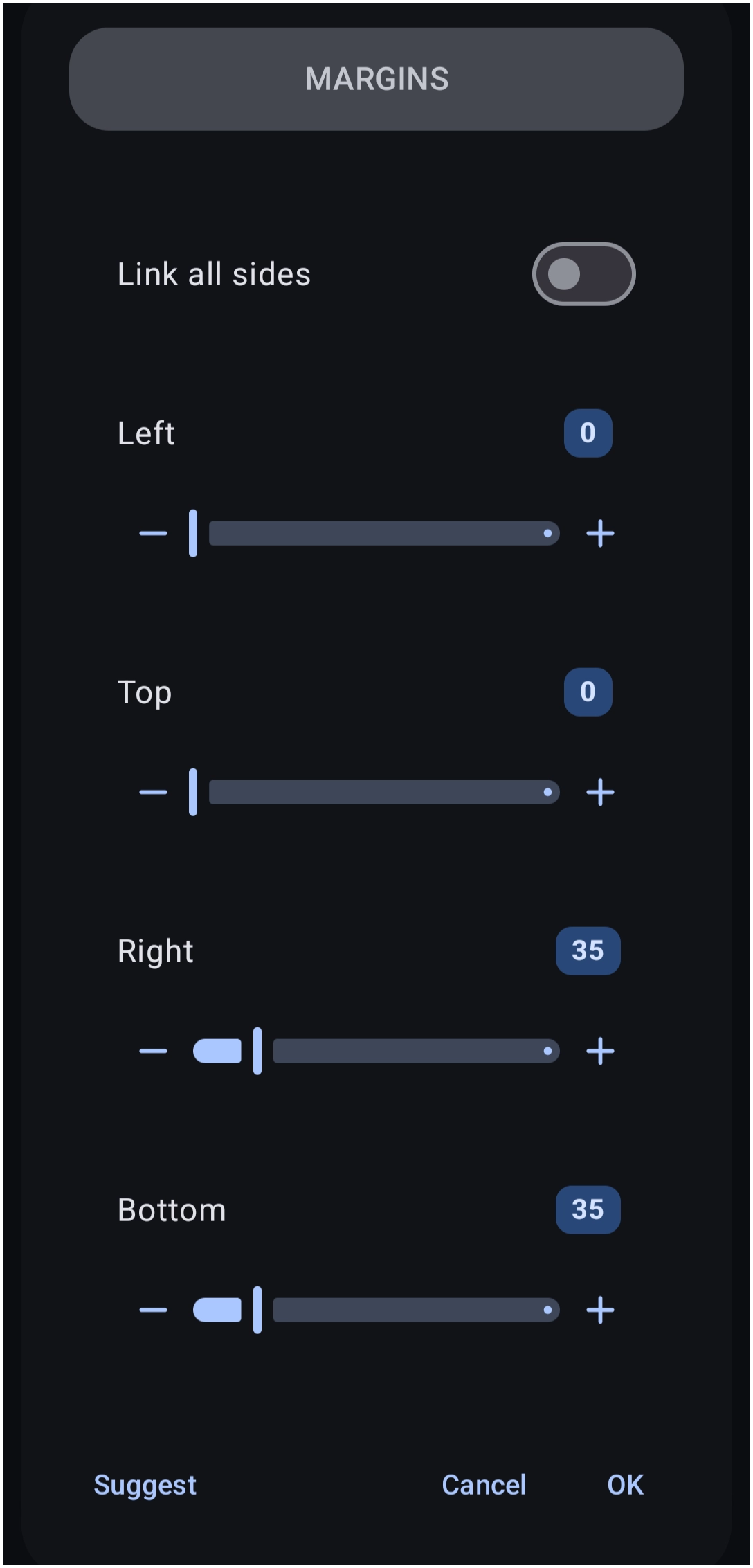 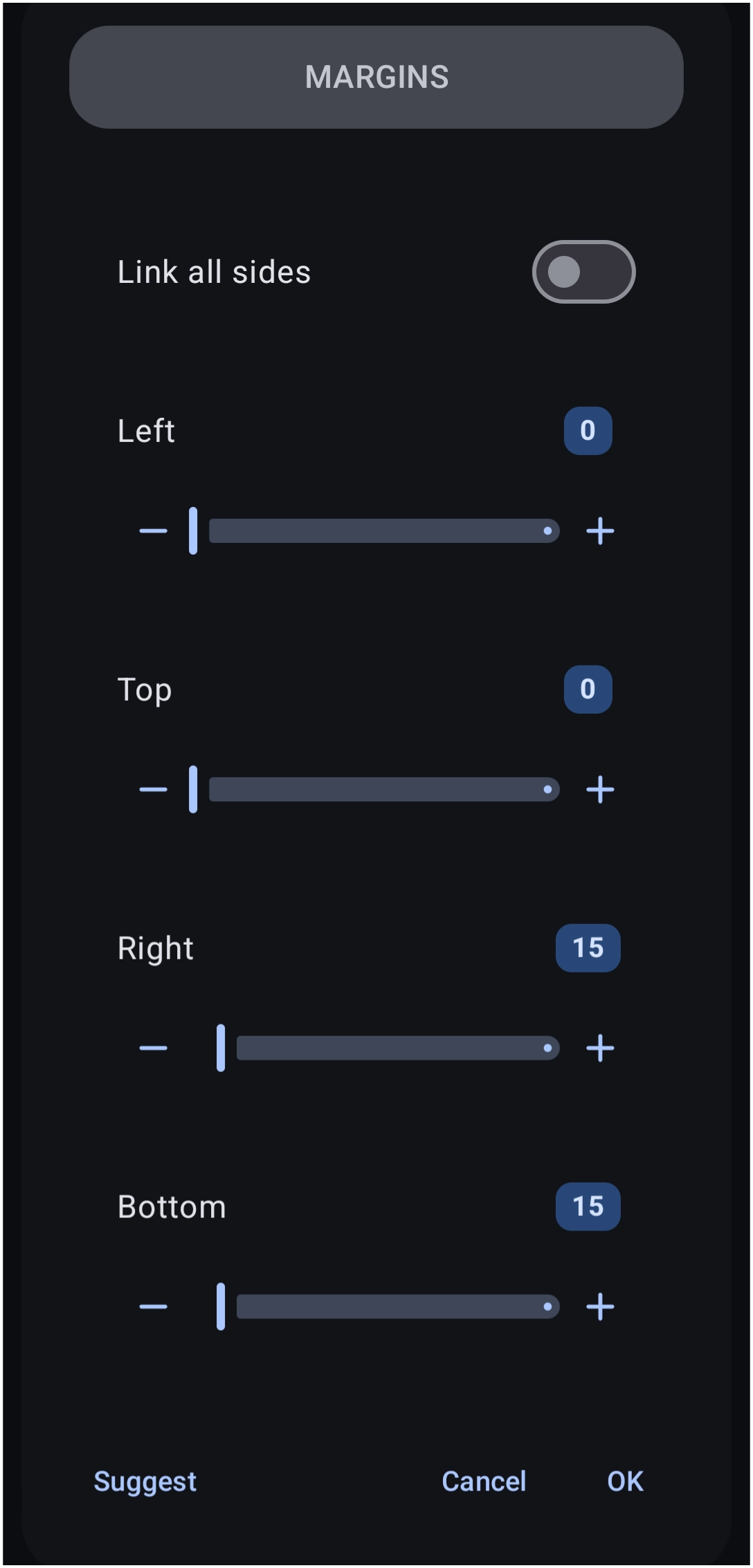 |
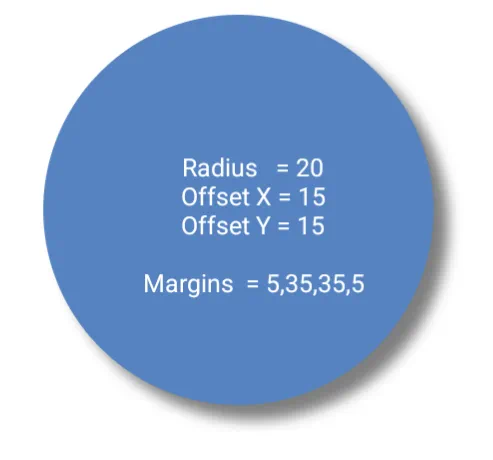
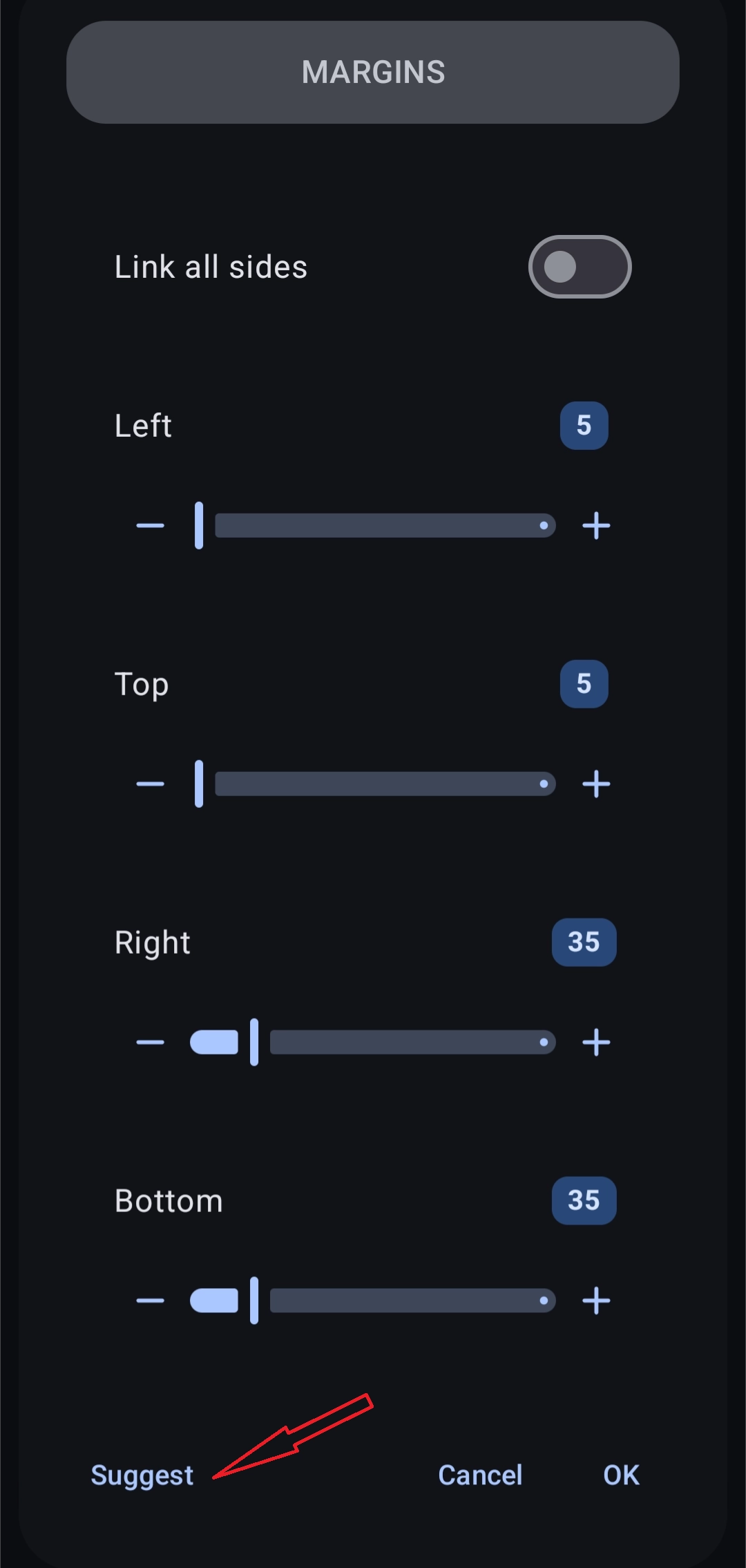
- “Suggest” Option - The Object Edit Option dialog's Margins (see the image below) offers a “Suggest” setting that uses calculated margins based on the related object's properties. Unless a special effect is desired, just tap “Suggest” to automatically enter these pre-calculated margins and then tap “OK”.
| Using Suggest to Calculate Margin |
|---|
 |
 |
You could leave a comment if you were logged in.
Comments & Feedback
Toby Lancer is ready to help! Look for the Quick Help form:
► Desktop: left sidebar located near the bottom for Private to Admin
► Mobile: 3-bar menu at page top.
► Use the Discussion section below to share any experiences and communications with other Total Launcher users.
► Any Registered User can directly update this and any wiki page if desired.
Moderation: To keep the manual clean, all comments are held for appropriateness review. Preview any comment before submitting it. It will not be displayed after submission until it is reviewed. So, please, do not resubmit.
Formatting: If using any code snippets, place them inside code tags (e.g., 'code') using double single quotes (') before and after to keep them readable.
Be Kind: This is a community effort. Please keep feedback constructive and on topic.
~~DISCUSSION~~