meta data for this page
Translations of this page:
- en
This is an old revision of the document!
Launcher Options: Purchase
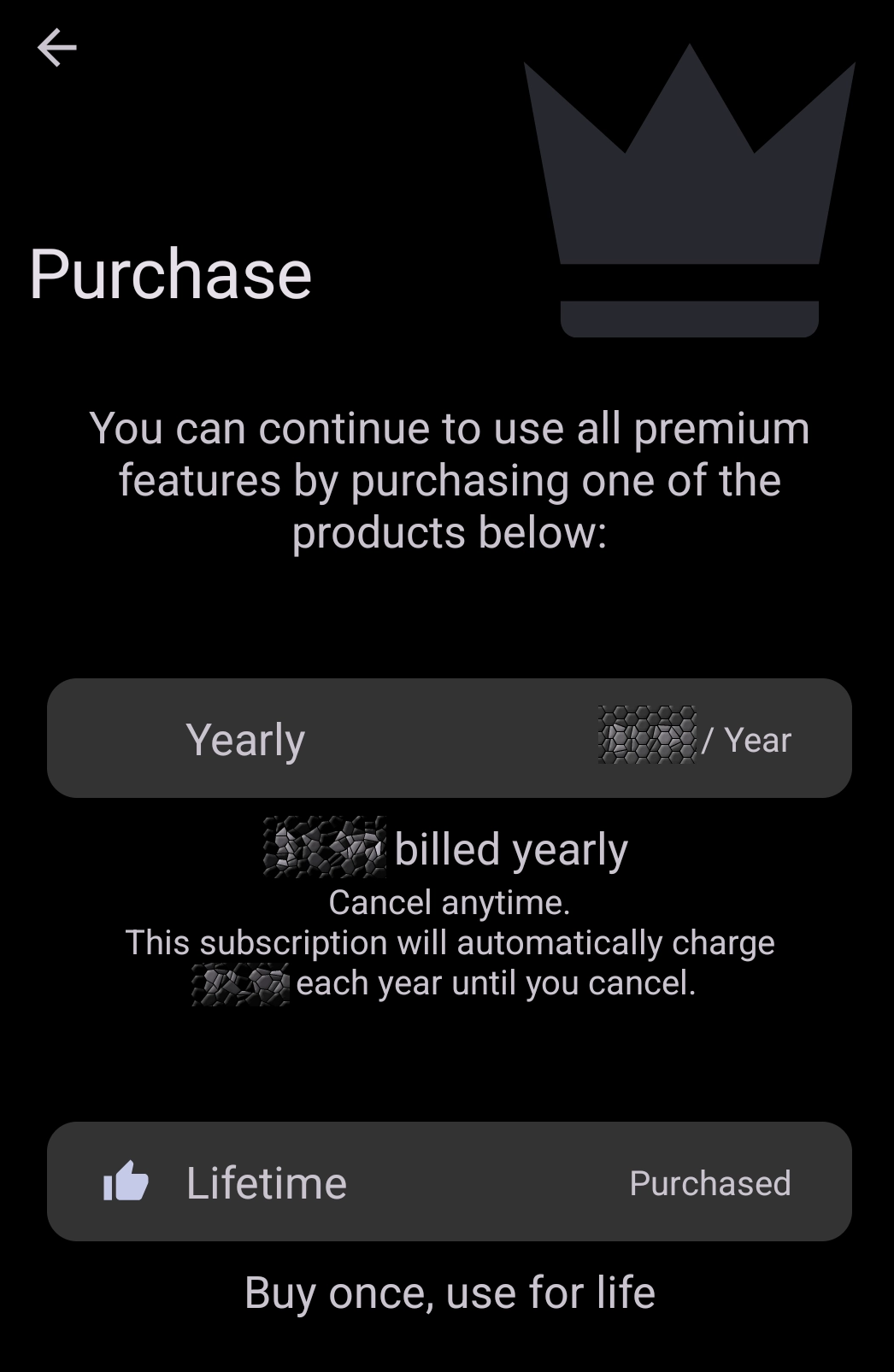
Top 10 Premium Features of Total Launcher:
| Top 10 Premium Features (Crown Icon) | Benefit to the User |
|---|---|
| Notification Badges | Enables dynamic numbered badges on app icons to show unread notifications, emails, and messages. |
| Window Folders | Upgrades standard folders into customizable floating windows which can adjust the background, border, and popup animation. |
| Tasker / MacroDroid Integration | Unlocks the ability to trigger Total Launcher actions via Tasker or MacroDroid automation apps, or trigger such tasks/actions using launcher gestures and buttons. |
| Google Drive Backup | Unlocks cloud integration to save to launcher designs and custom themes directly to a user's Google account. |
| Dynamic Shortcuts | Grants access to Android's native deep shortcuts (e.g., long-pressing an email app to instantly see a app-specific options versus simply launching the app) directly from the launcher. |
| Custom Object Animations | Unlocks the animation properties for individual elements, letting you objects be animated based on page scrolling, screen unlocking, or touching. |
| Foldable Device Support | Provides advanced hinge-detection support so the launcher can seamlessly switch between a narrow layout and a tablet layout on foldable devices. |
| Additional Edge Swipe and Tap Gestures | Allows the binding of system or launcher actions to additional taps(double/triple) and swipes originating from the left, right, top, or bottom edges of the screen. |
| Immersive Mode Toggle | Unlocks the ability to hide the top status bar or bottom navigation bar to create a truly full-screen, immersive home screen experience. |
| Direct Contact Actions | Unlocks the “Direct Dial” and “Direct Message” actions for custom shortcuts, bypassing the standard contacts app. |
A complete list of all premium features unlocked when a user purchases the Total Launcher Key is shown
Discussion