Table of Contents
<insert previous page>
Dynamic Image - Add Image
Dynamic images automatically update data or change appearance based on device state (e.g., Battery level, Wifi signal, Time). Users can create others (e.g., custom clock faces).
Pro Tip: A dynamic image can be attached to a Launcher Action (like tapping the Battery icon to open Battery Settings) using the Action on Tap menu.
Dynamic Image Categories
The built-in dynamic images, discussed below, are found in the Total Launcher app by navigating to:
Main Menu > Launcher options > Resources > Dynamic Image > + > Type.
| Battery status | Do not disturb | Ringer mode |
| Bluetooth | Gmails (unread) | Signal strength |
| Brightness | GPS | Themed image |
| Calendar | Mobile data | Weather |
| Clock | Notification count | WiFi hot spot |
| CPU | RAM | WiFi status |
Battery status
- Shows current battery level on a 180° dial. Shows a “bolt” symbol when charging.
| Battery Status 1 of 2 | Battery Status 2 of 2 |
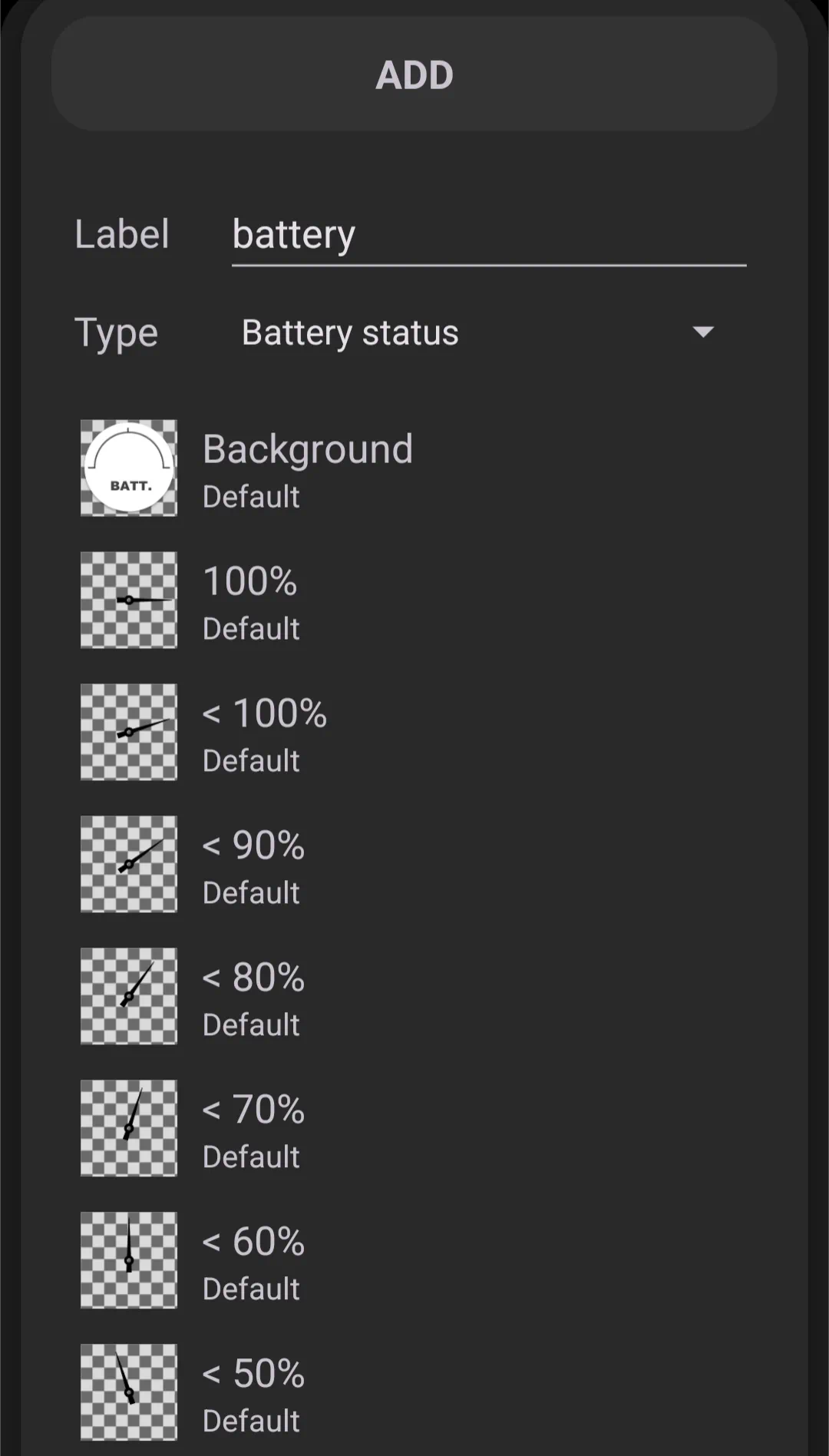 | 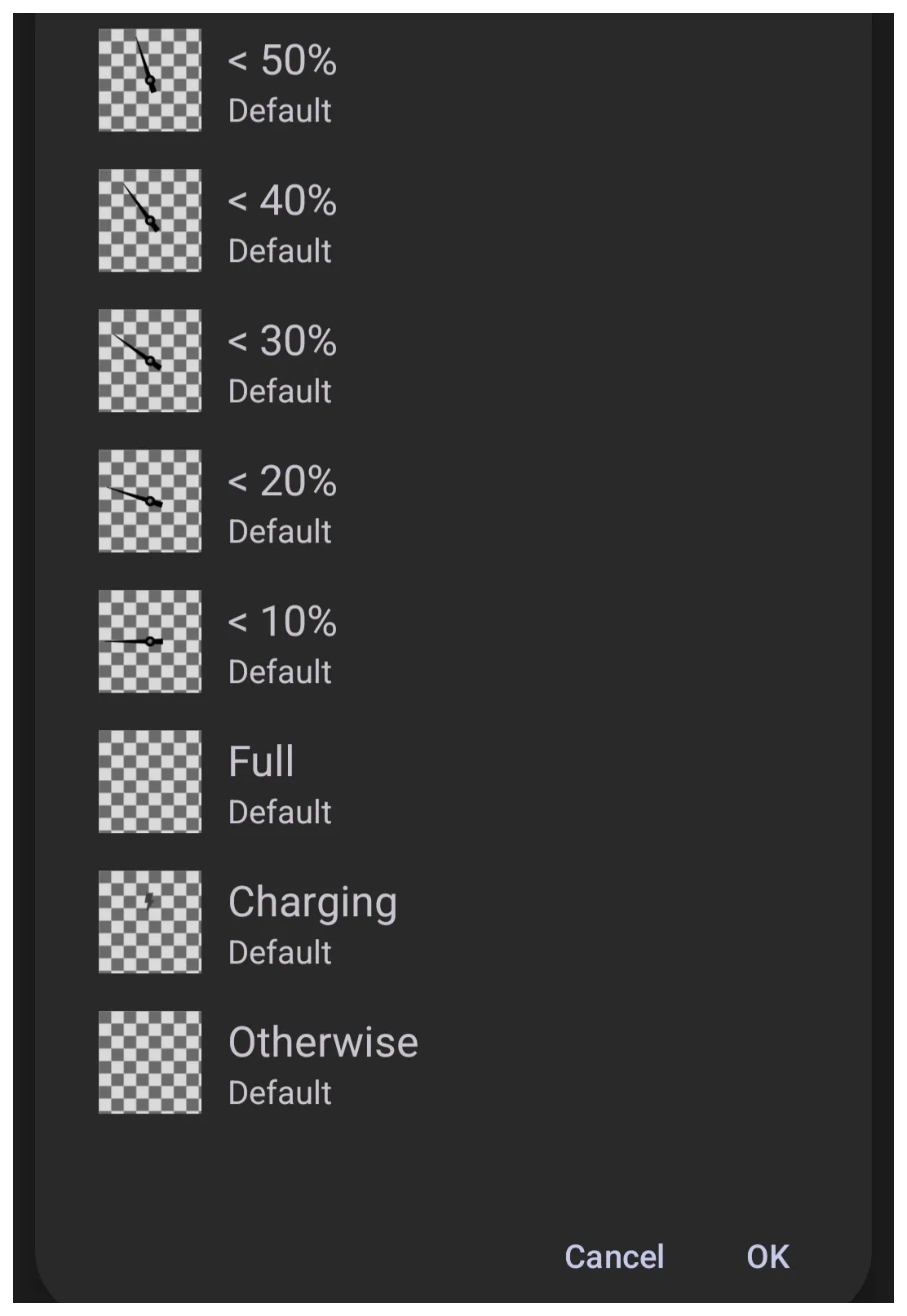 |
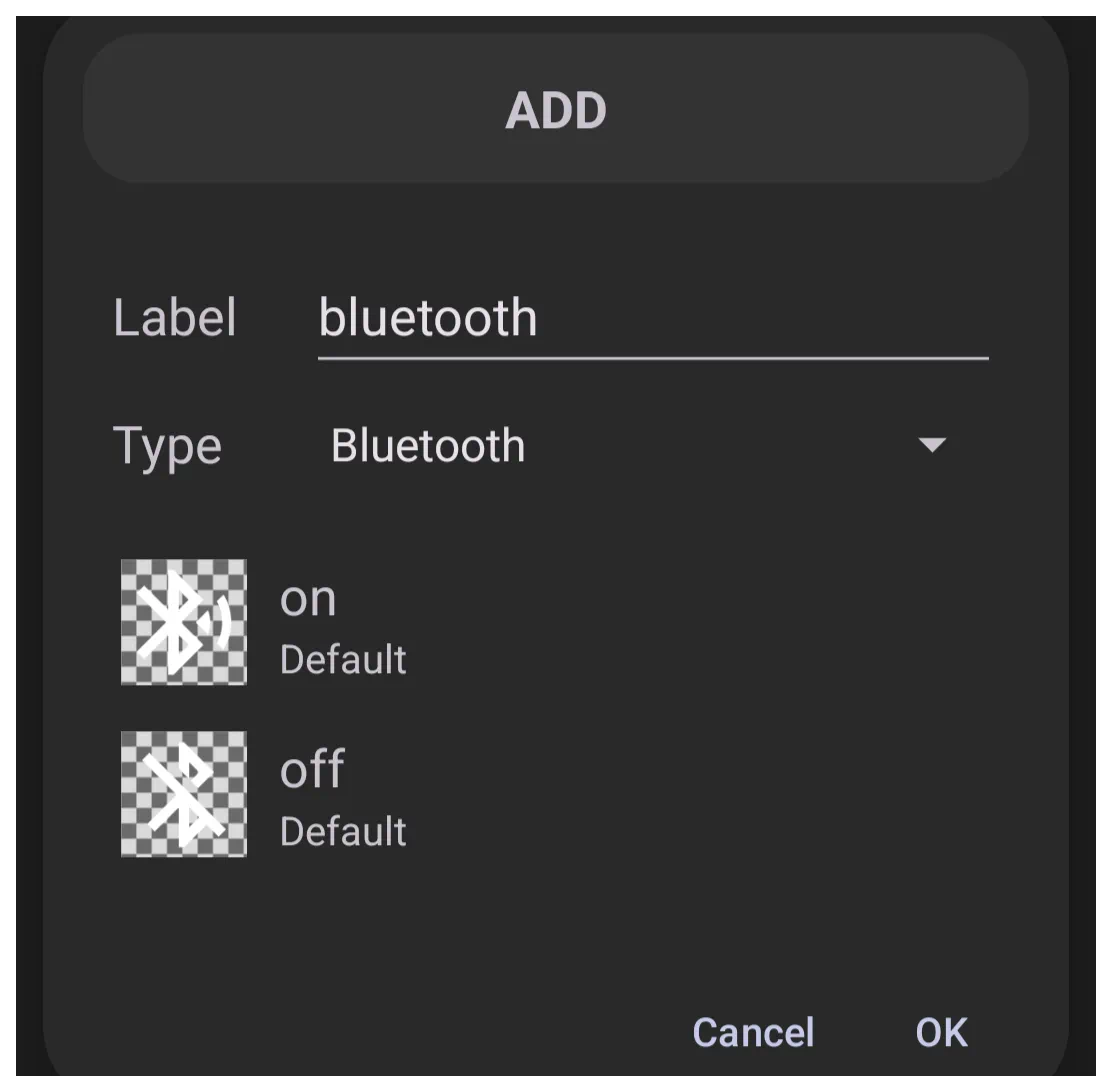
Bluetooth
- Shows On/Off state image.
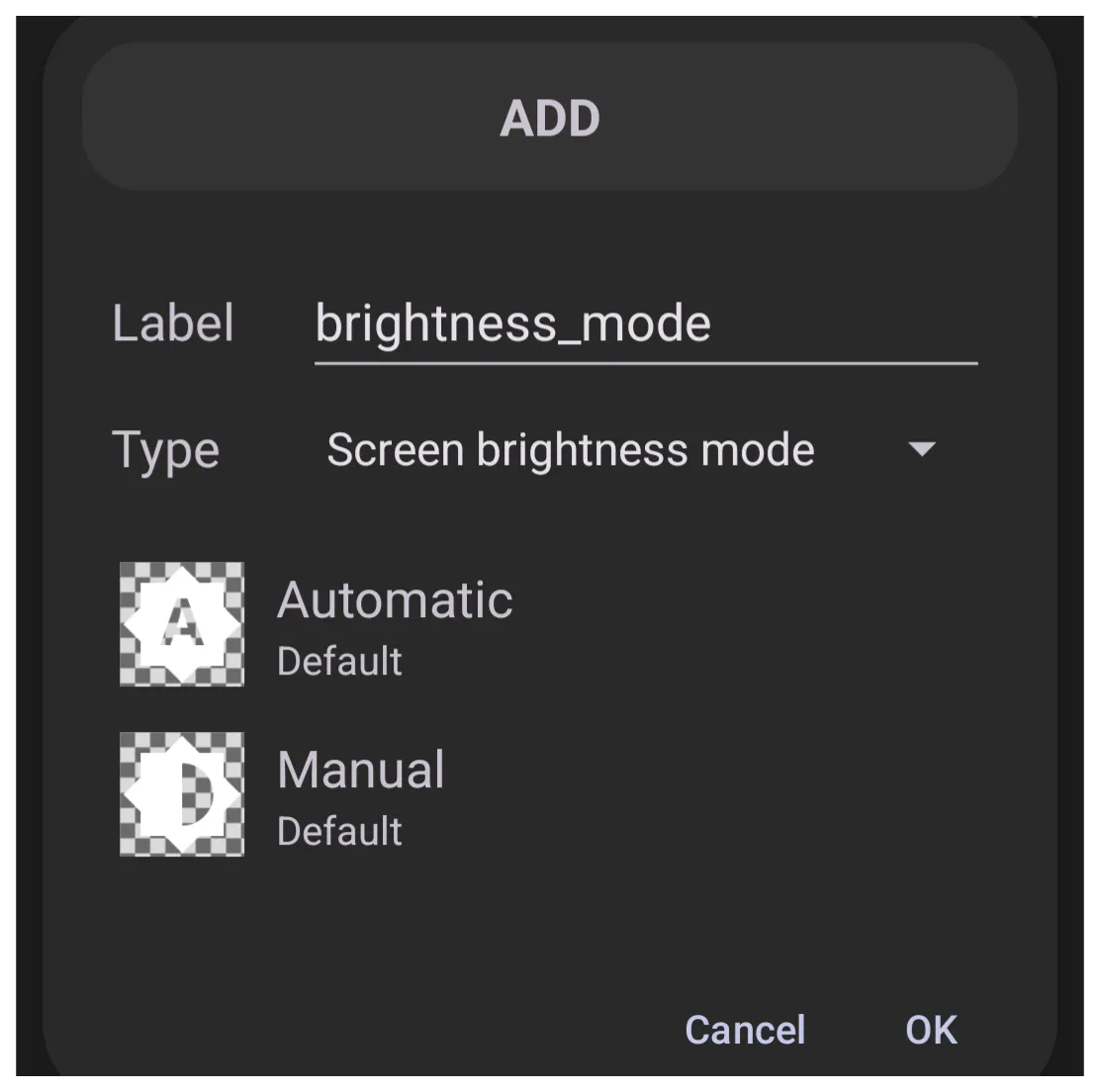
Brightness Mode
- shows the state of the screen brightness as an image indicating automatic or manual control by the device's system
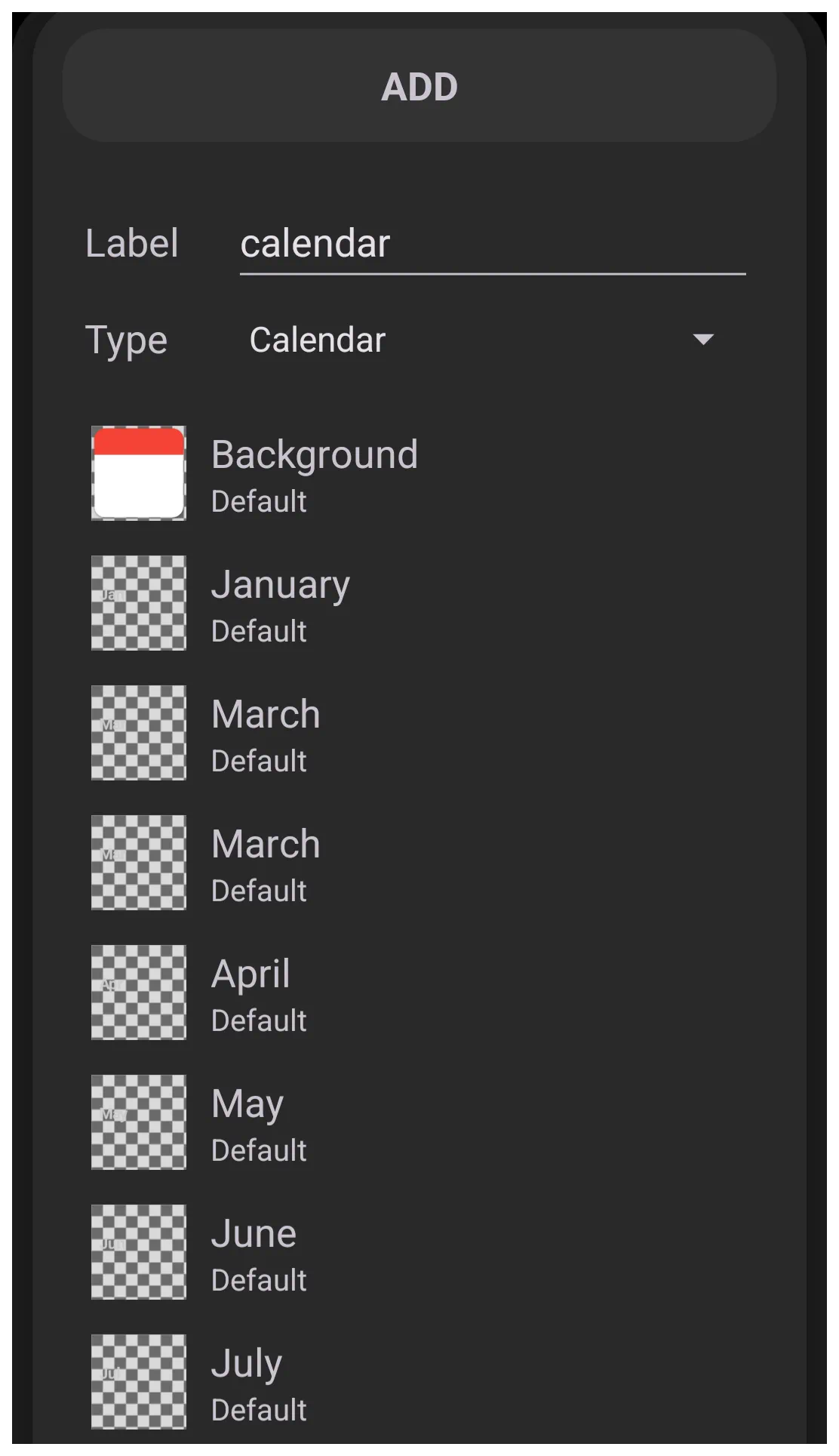
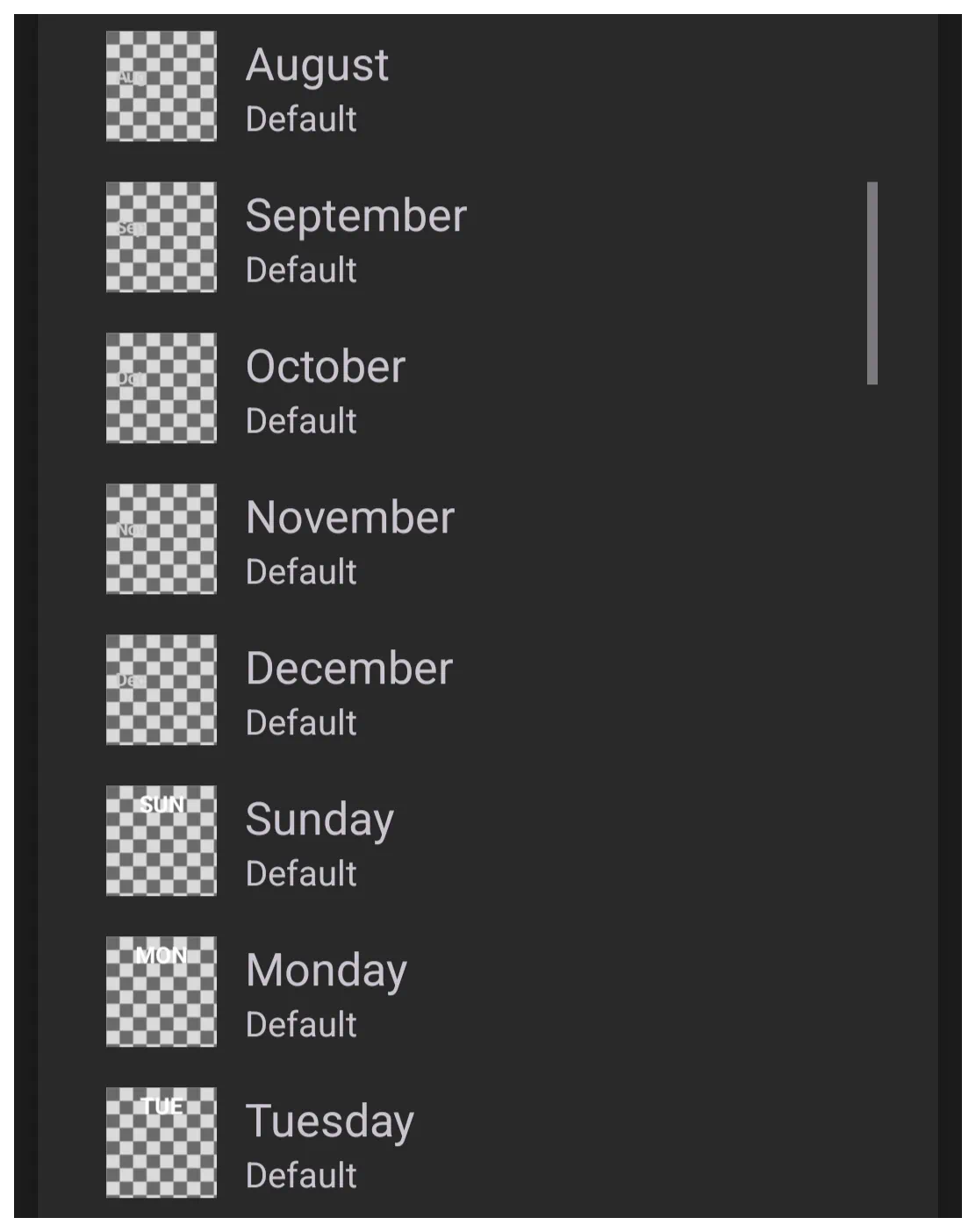
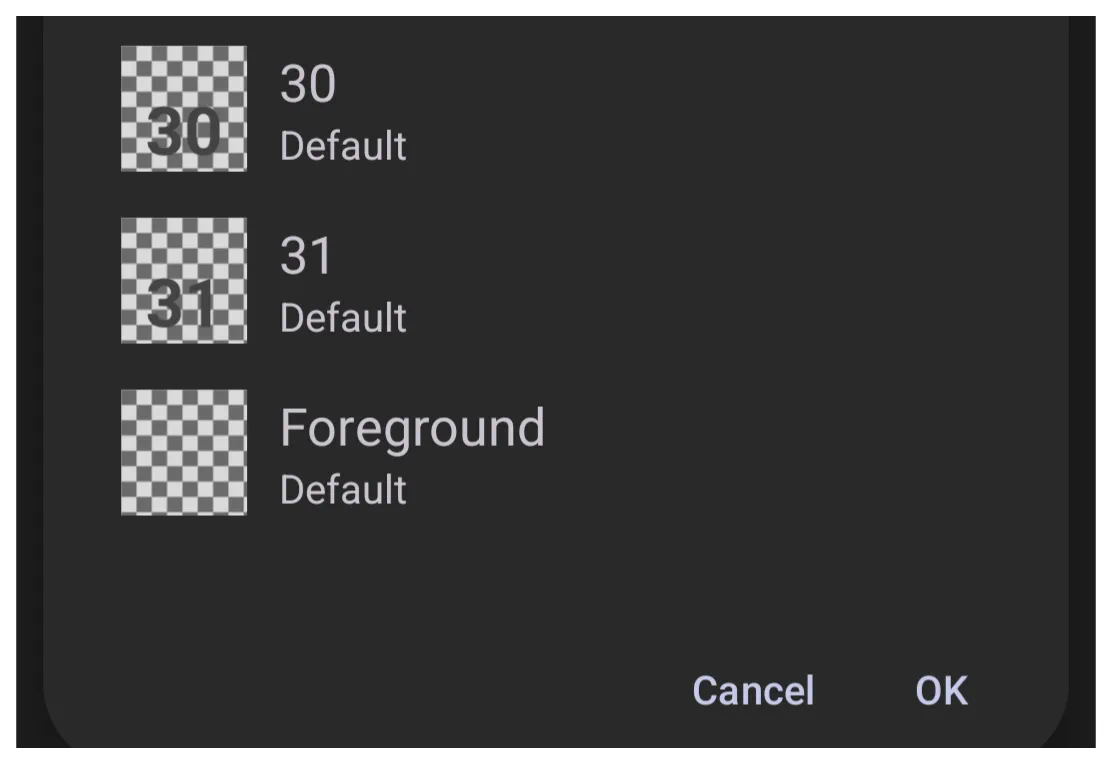
Calendar
- Shows current Day, Month, and Date as a dynamic icon.
| Calendar 1 of 2 | Calendar 2 of 2 |
 |  |
| Calendar 3 of 4 | Calendar 4 of 4 |
 |  |
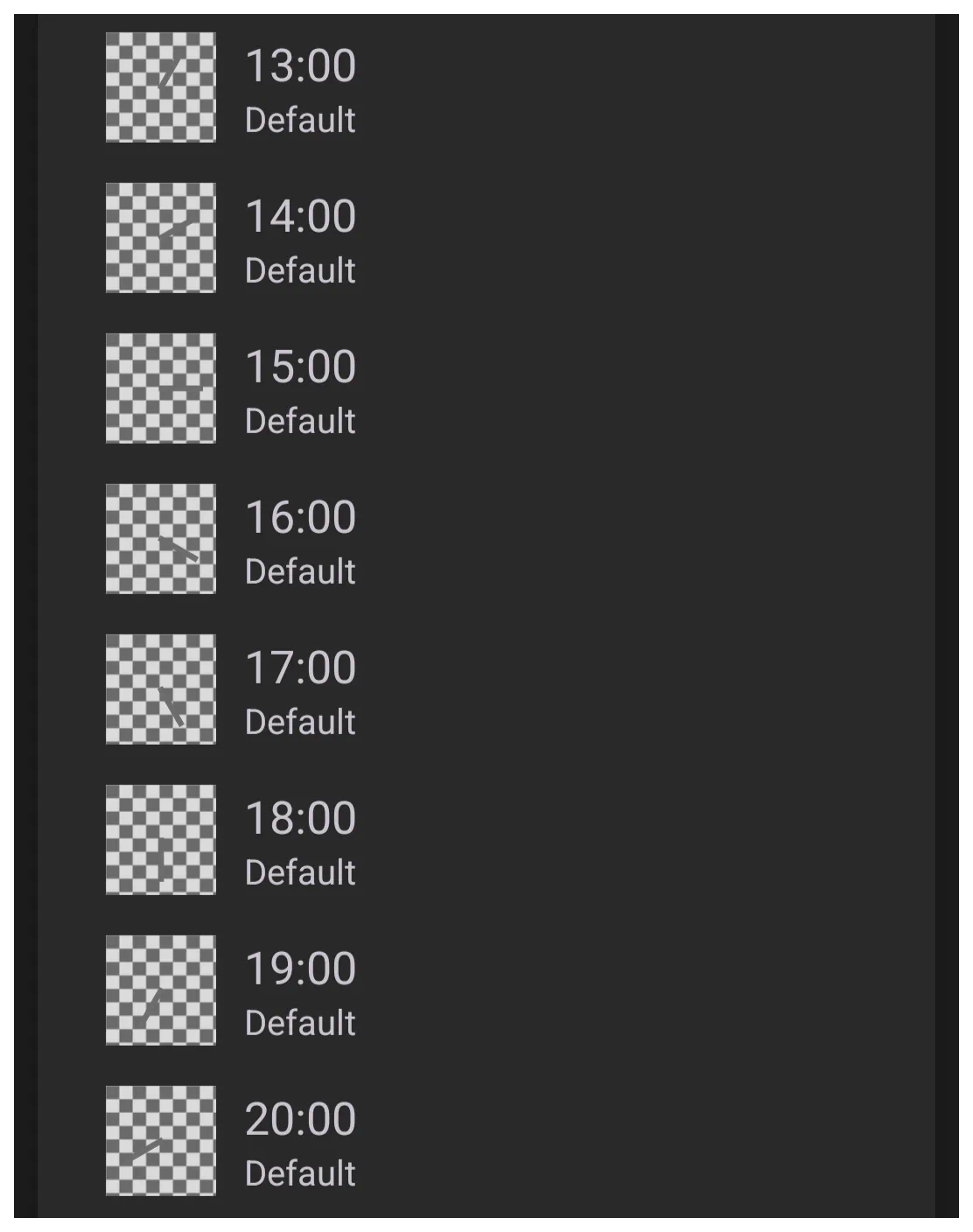
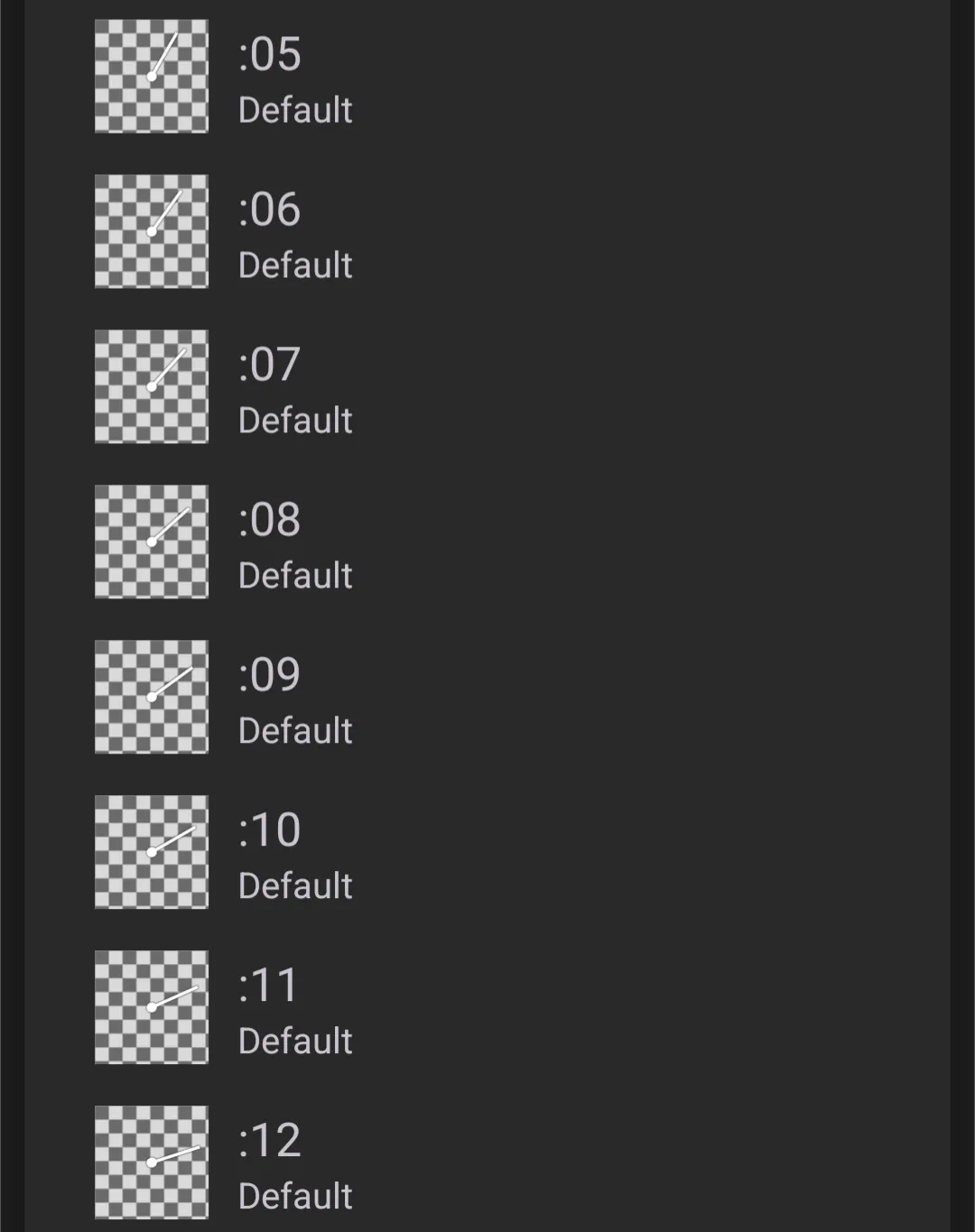
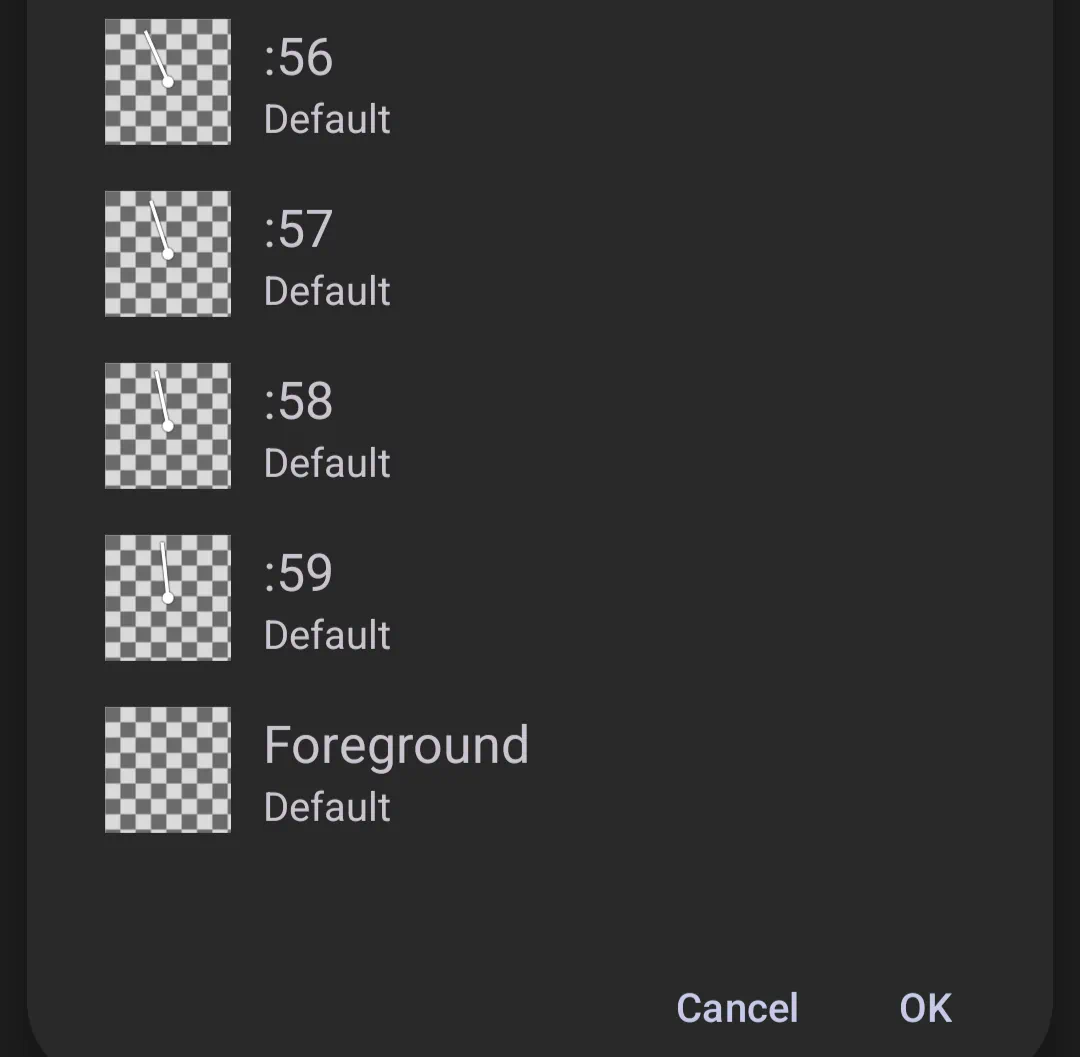
Clock
- Shows current time on an analog face.
| Clock 1 of 6 | Clock 2 of 6 |
 |  |
| Clock 3 of 6 | Clock 4 of 6 |
 | 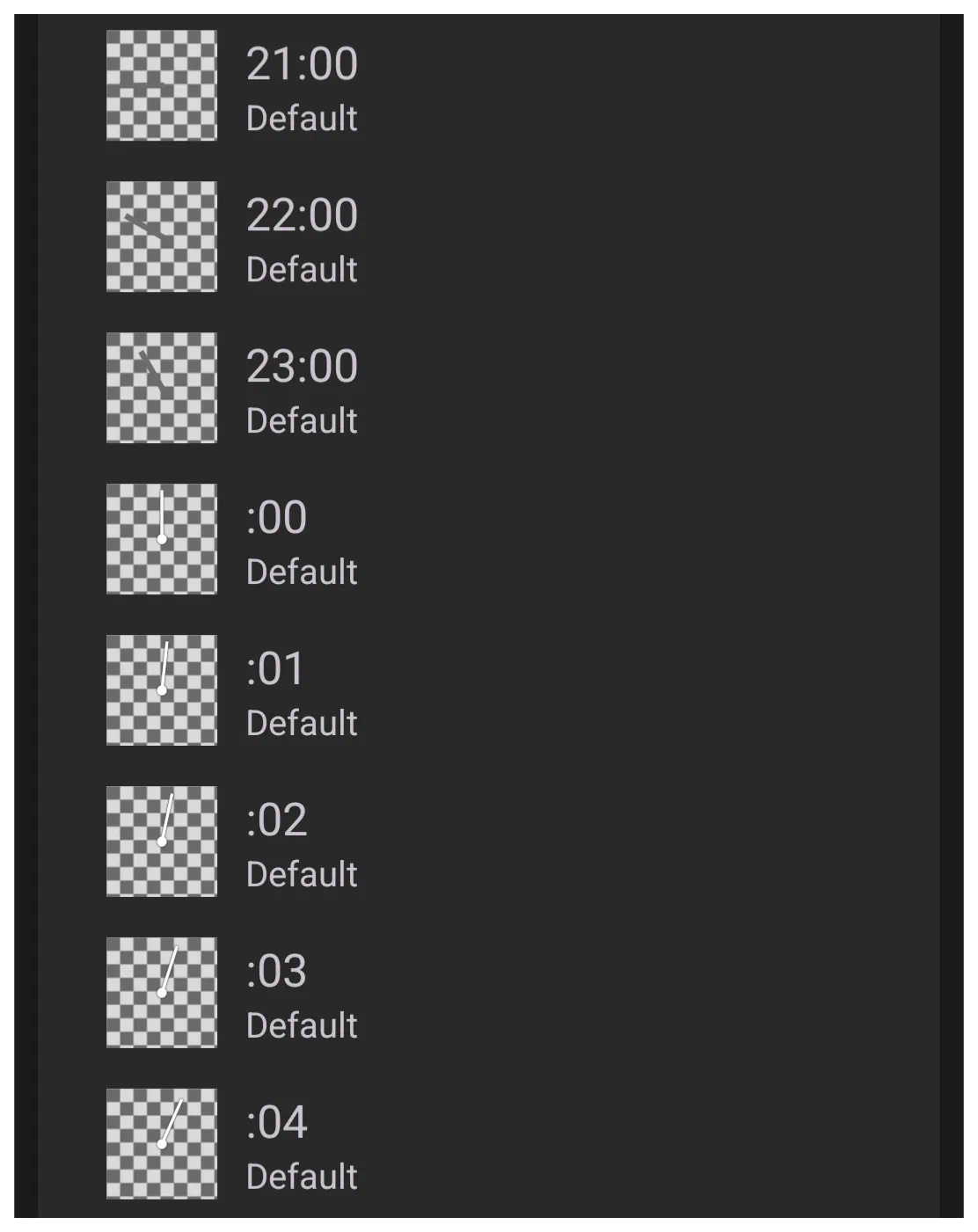 |
| Clock 5 of 6 | Clock 6 of 6 |
 |  |
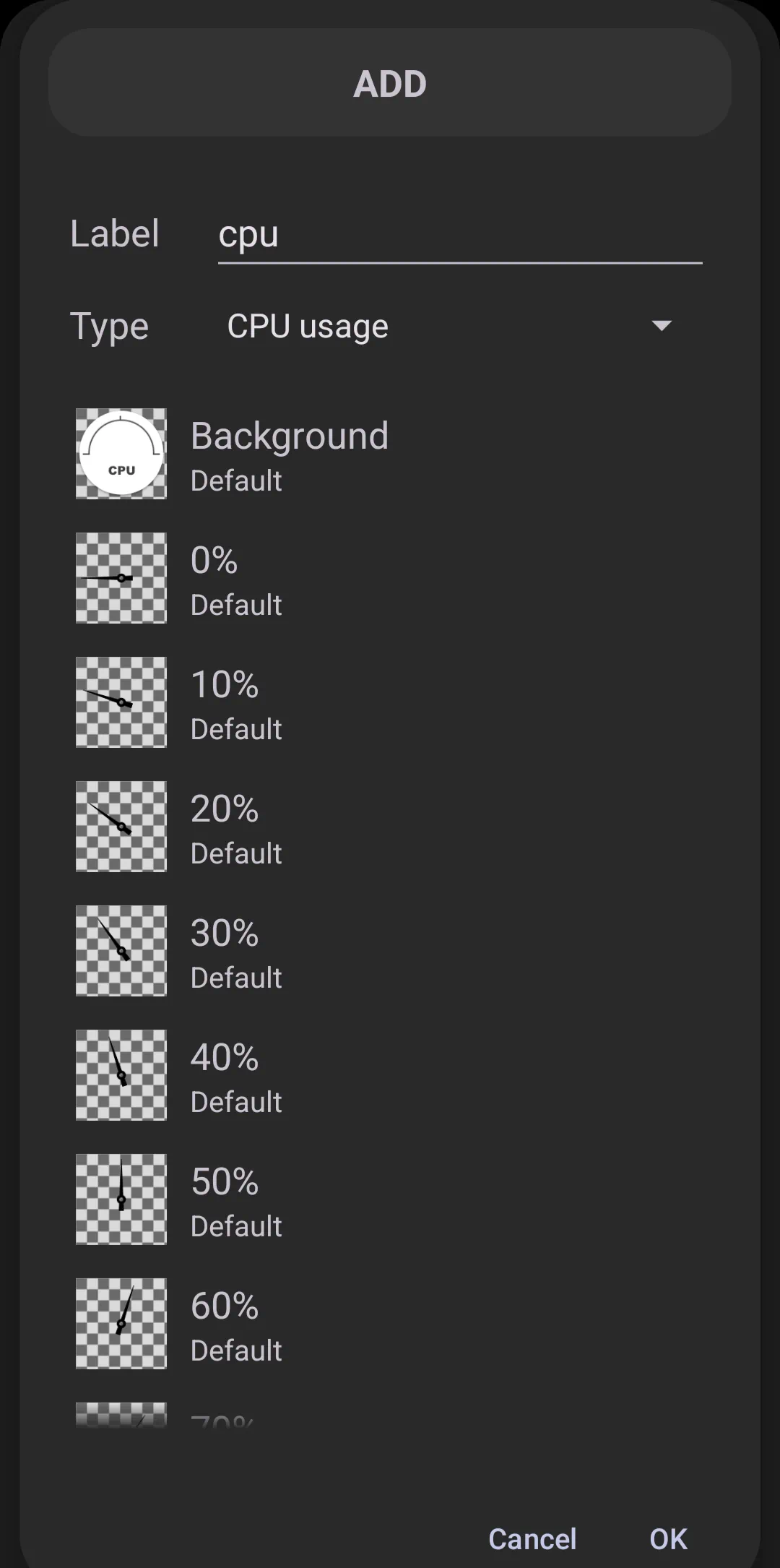
CPU
- shows the current device CPU usage as a %, refreshed every second
Do Not Disturb
- shows the state of do not disturb as an on or off image
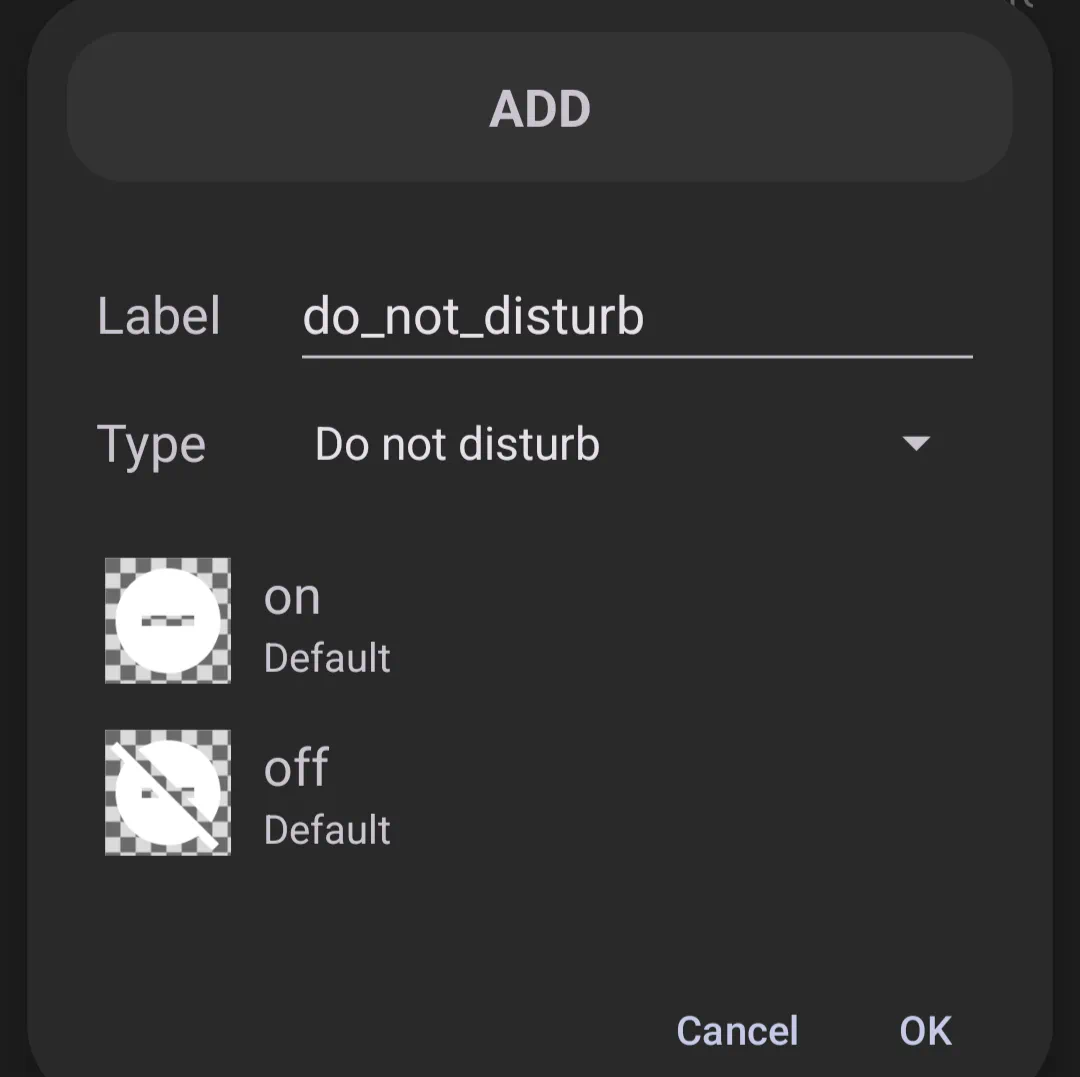
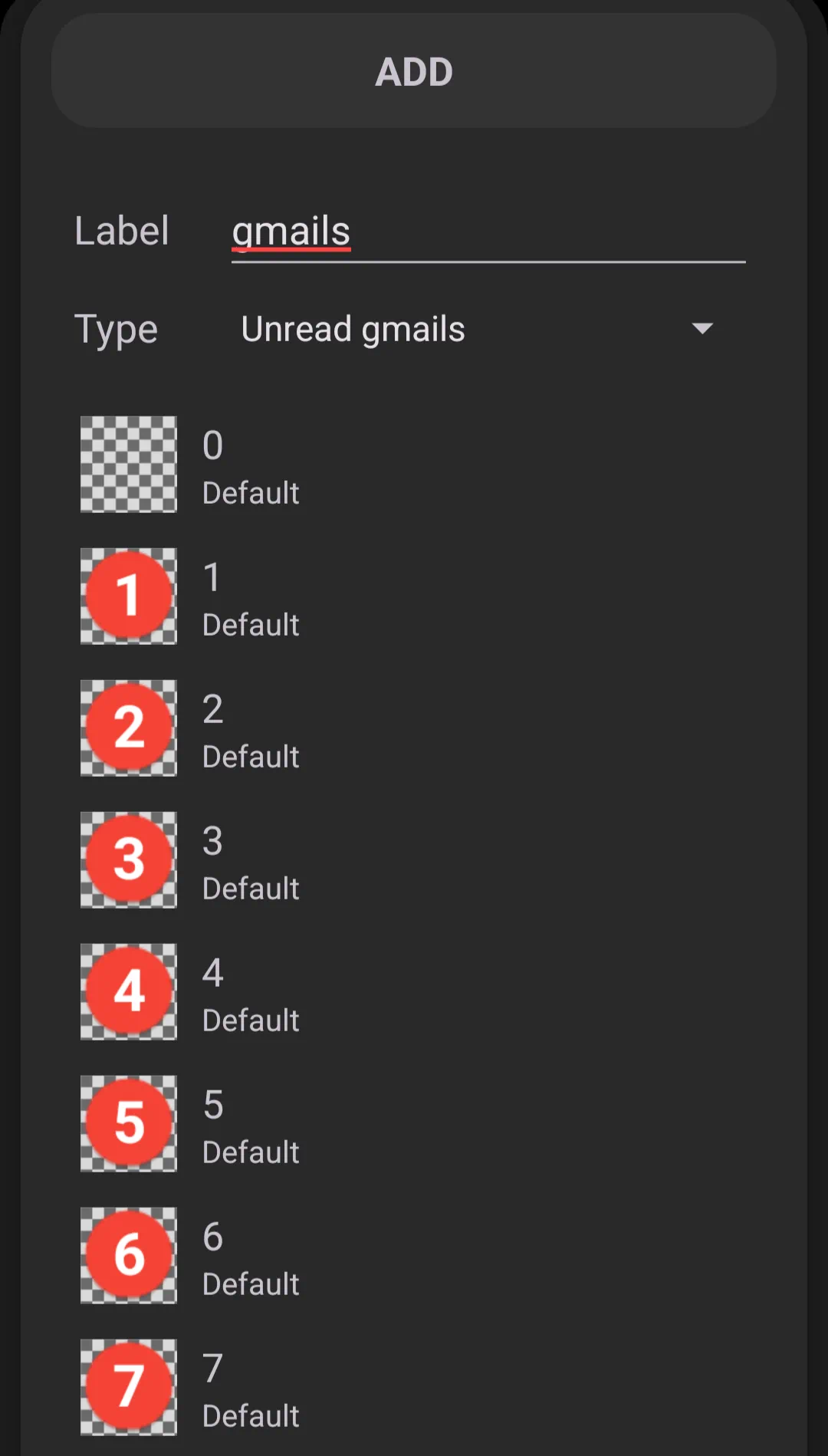
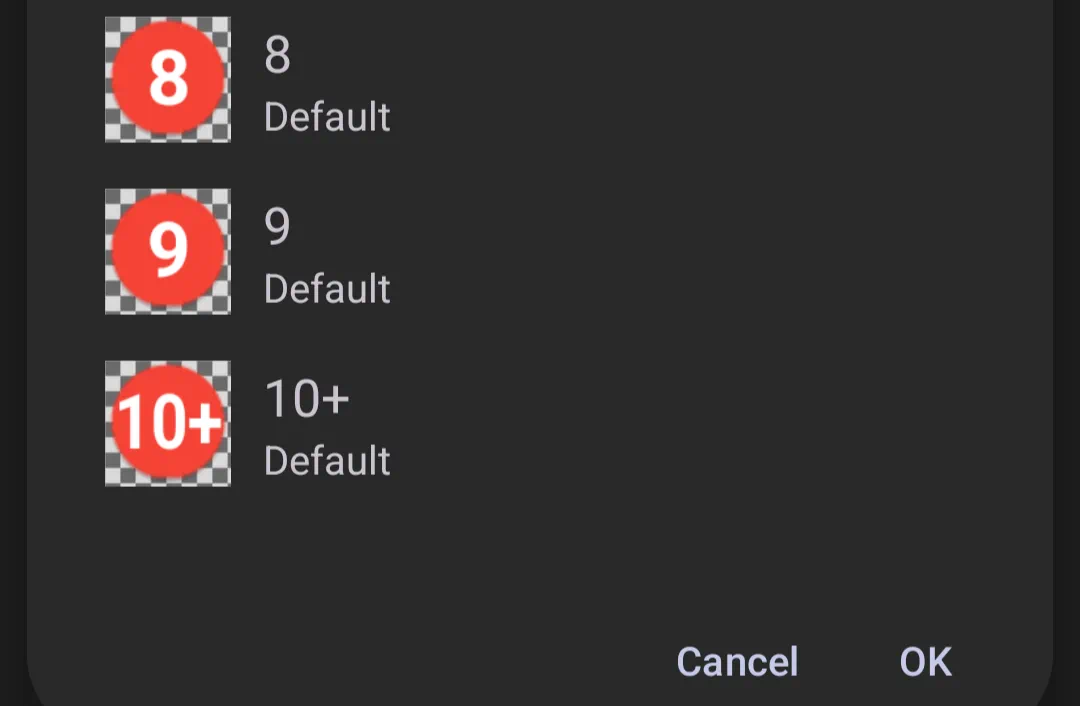
Gmails (Unread)
- show the count of currently unread Gmails as a number within a circle
| Unread Gmails 1 of 2 | Unread Gmails 2 of 2 |
 |  |
Note: This feature relies on older Android permissions and may not function on newer Android versions due to Google security updates.
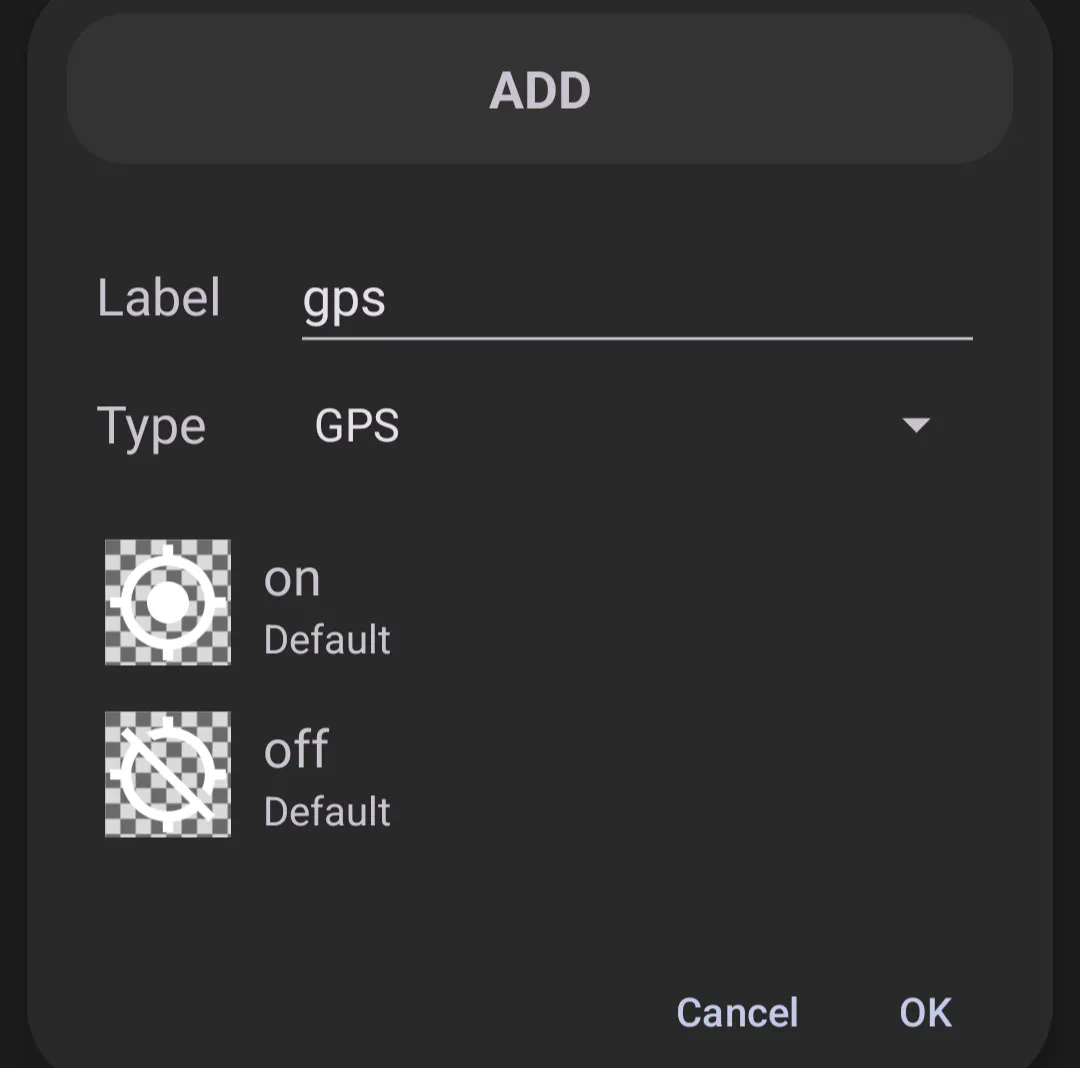
GPS
- shows the state of the device's GPS as an on or off image
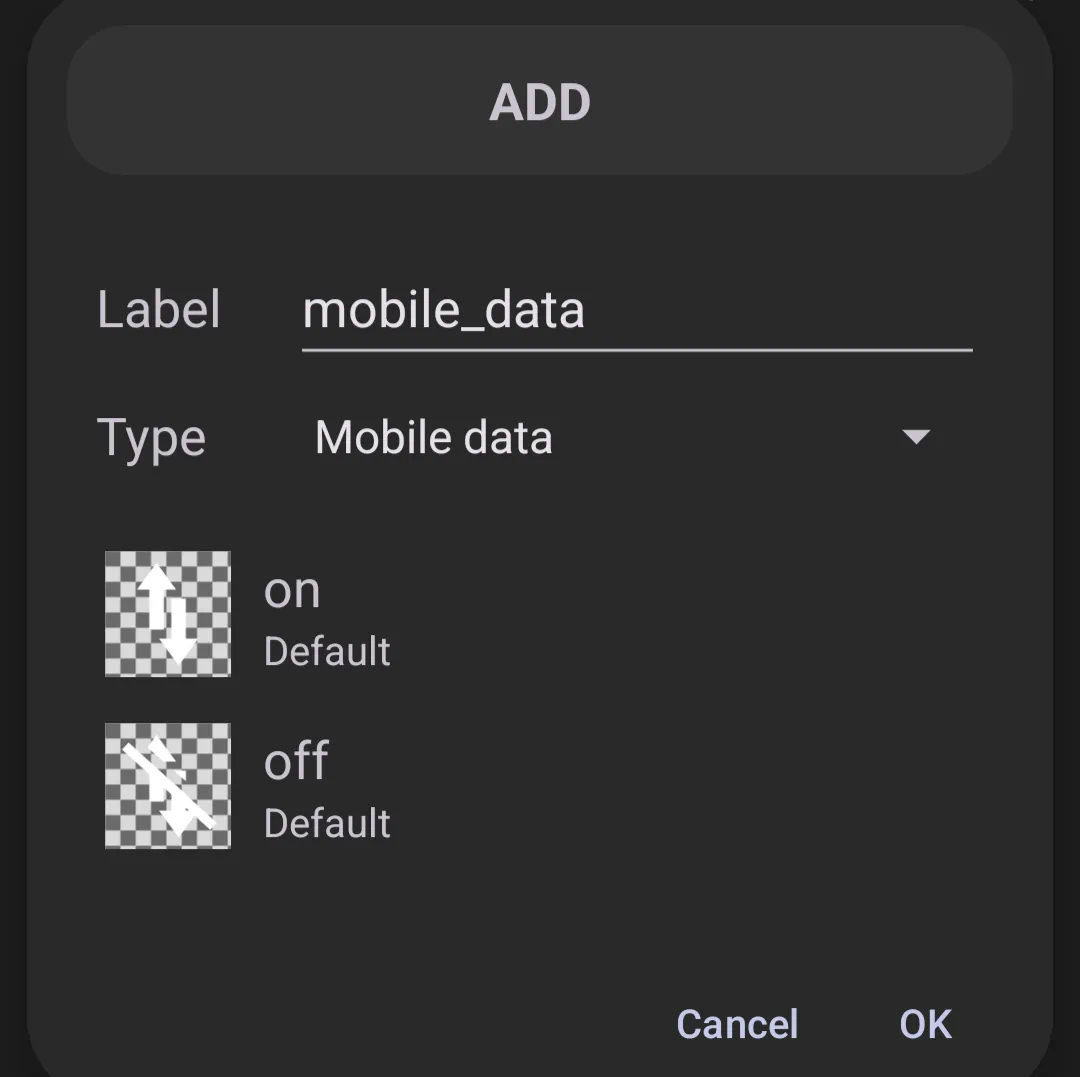
Mobile Data
- shows the state of the device's mobile data as an on or off image
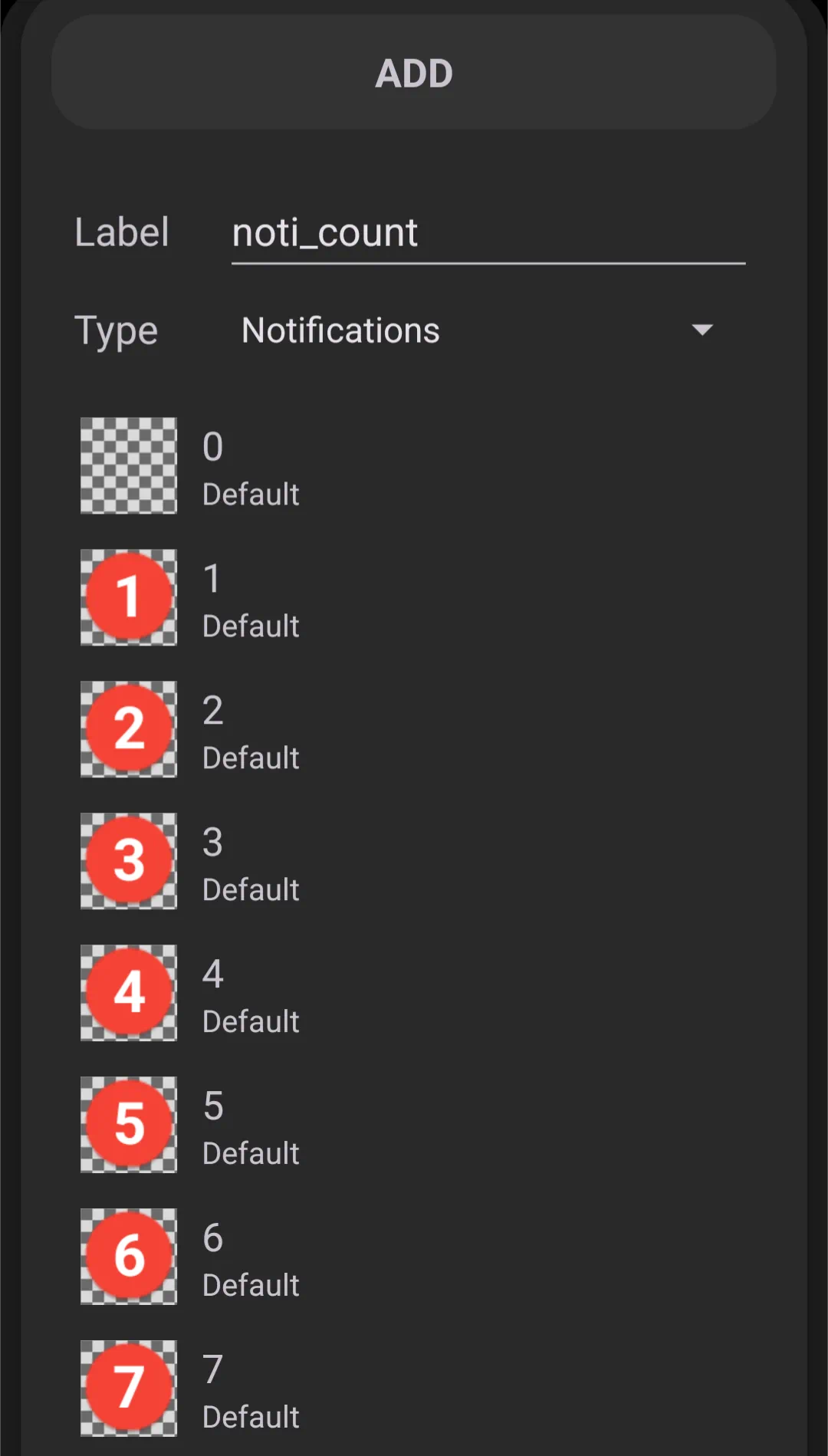
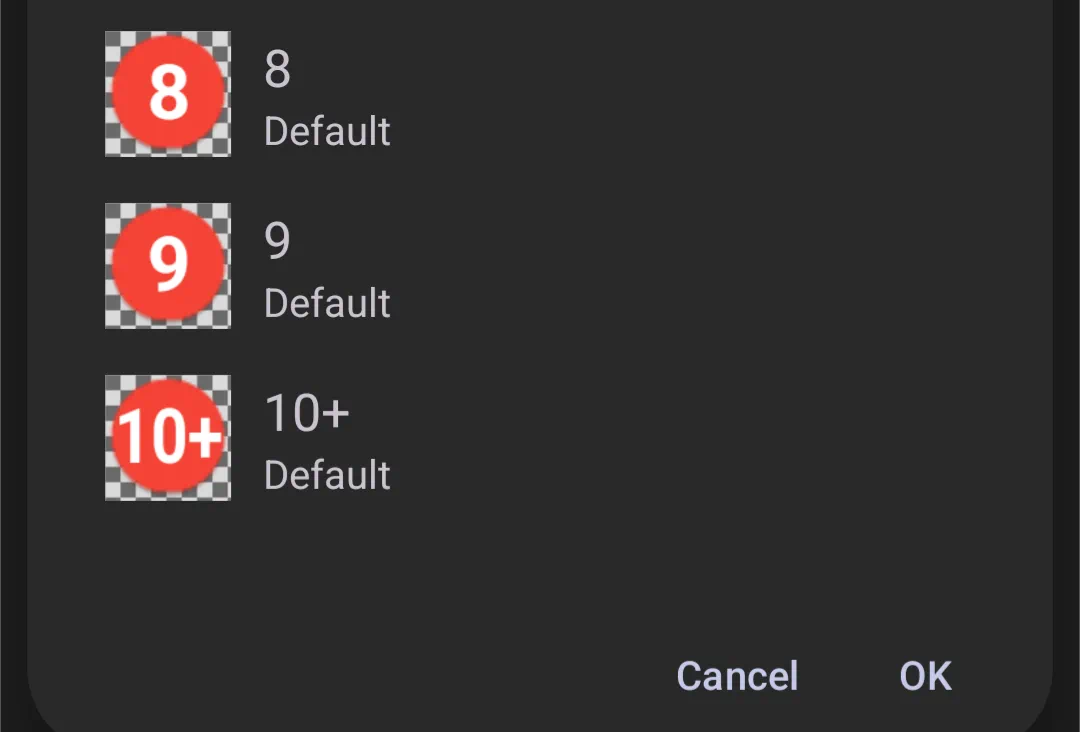
Notification Count
- Shows the total number of notifications on the status bar.
| Notification Count 1 of 2 | Notification Count 2 of 2 |
 |  |
Requirement:
Total Launcher must be granted “Notification Access” in Android System Settings for this to work.
Icon Specific Notification Counts
To have an icon or other object show it's notification count only:
Edit On > Object Design Menu > Option > Text > Notifications > OK
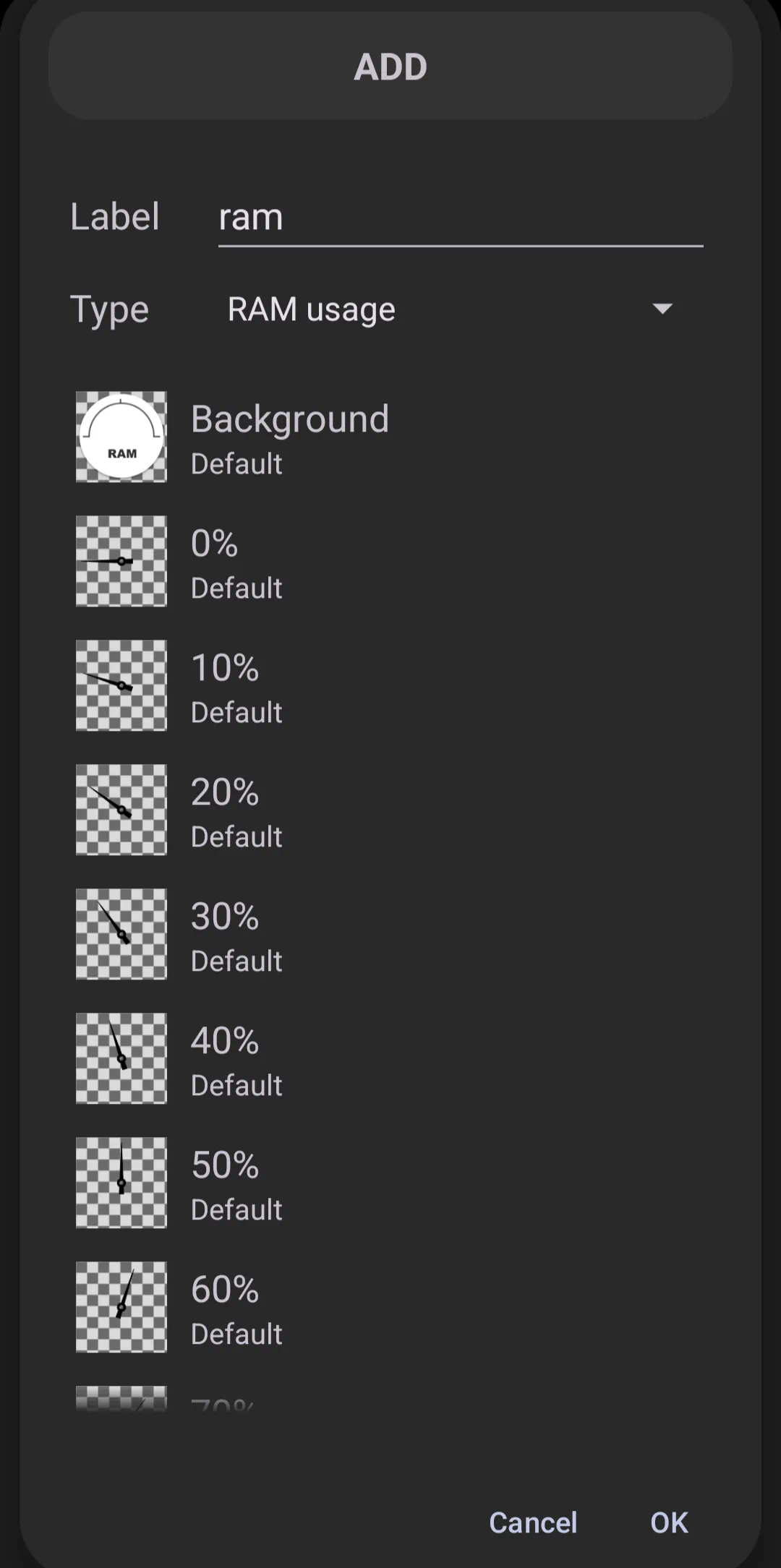
RAM
- Shows current RAM usage (0-100%) on a dial. Refreshes every second.
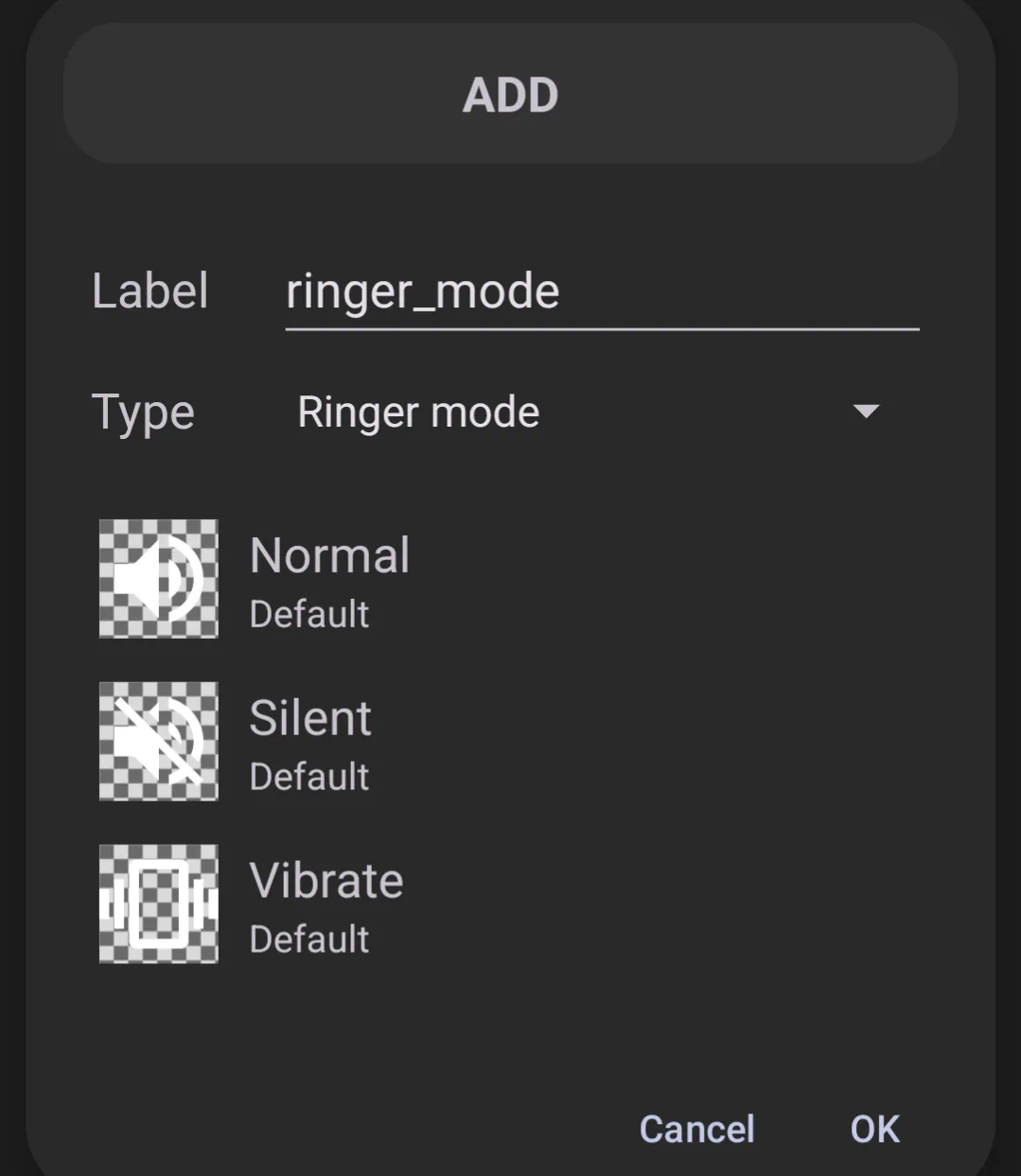
Ringer Mode
- shows the state of the device's ringer mode: normal (on … any volume), silent (off), vibrate (if set to vibrate)
Signal Strength
- Shows current signal strength (0, 25, 50, 75, 100%).
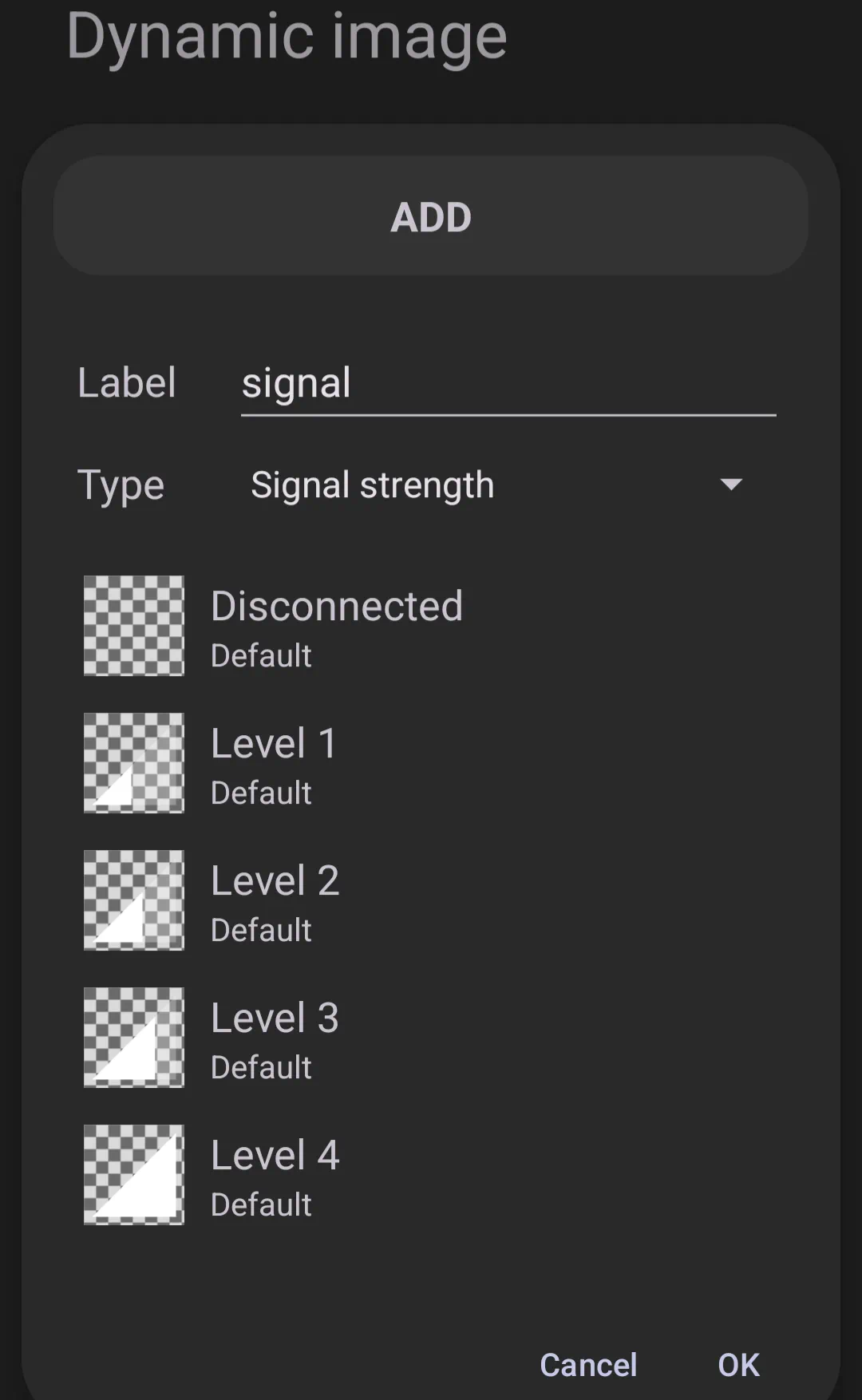
Confirmation needed: Signal is WiFi only or works for WiFi and Data
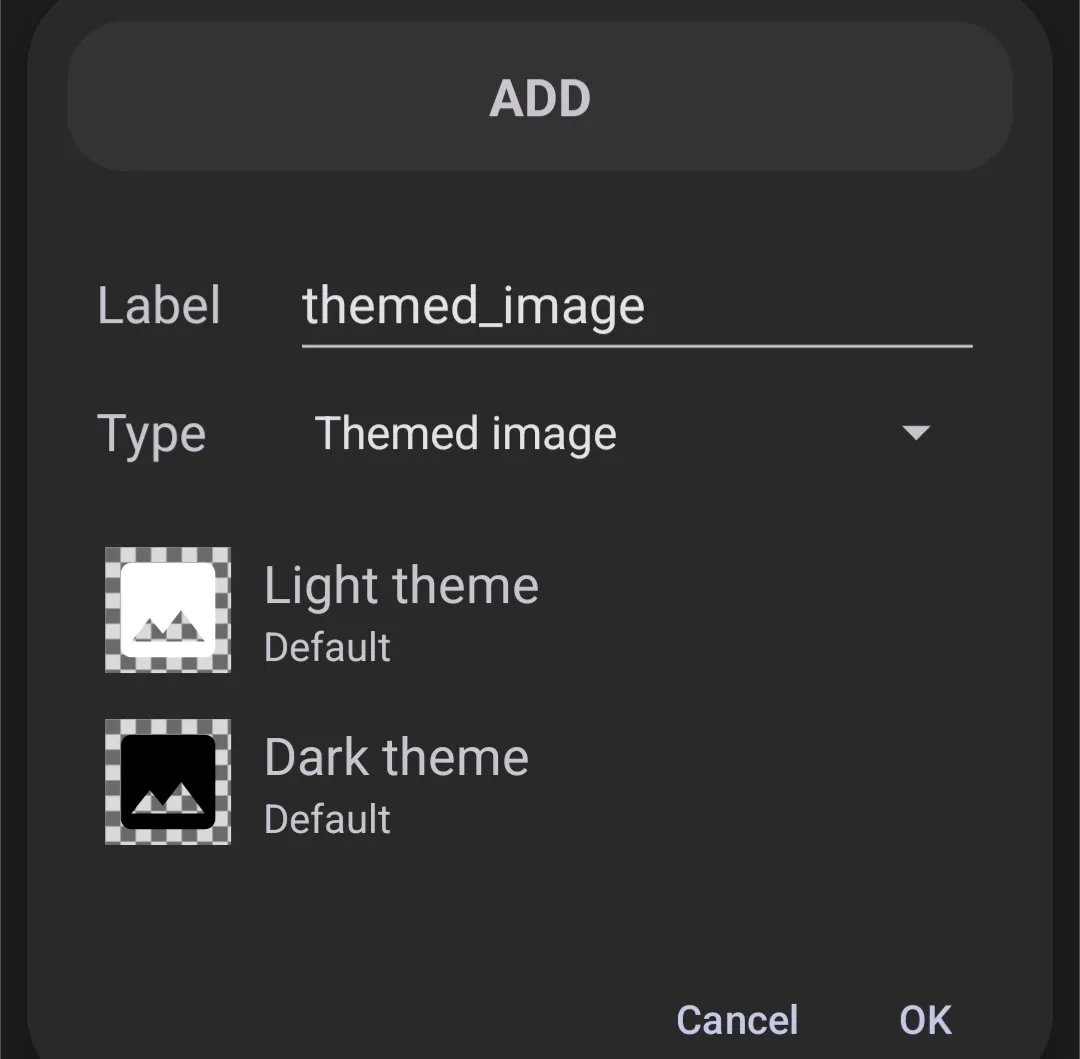
Themed Image
- provides for the selection of an icon pack (or icon) or image to be used based on light or dark mode system setting
Weather
Users have commented on supporting Telegram website (late 2024 - mid 2025) the delayed or non-consistent updating of the data through the provider.
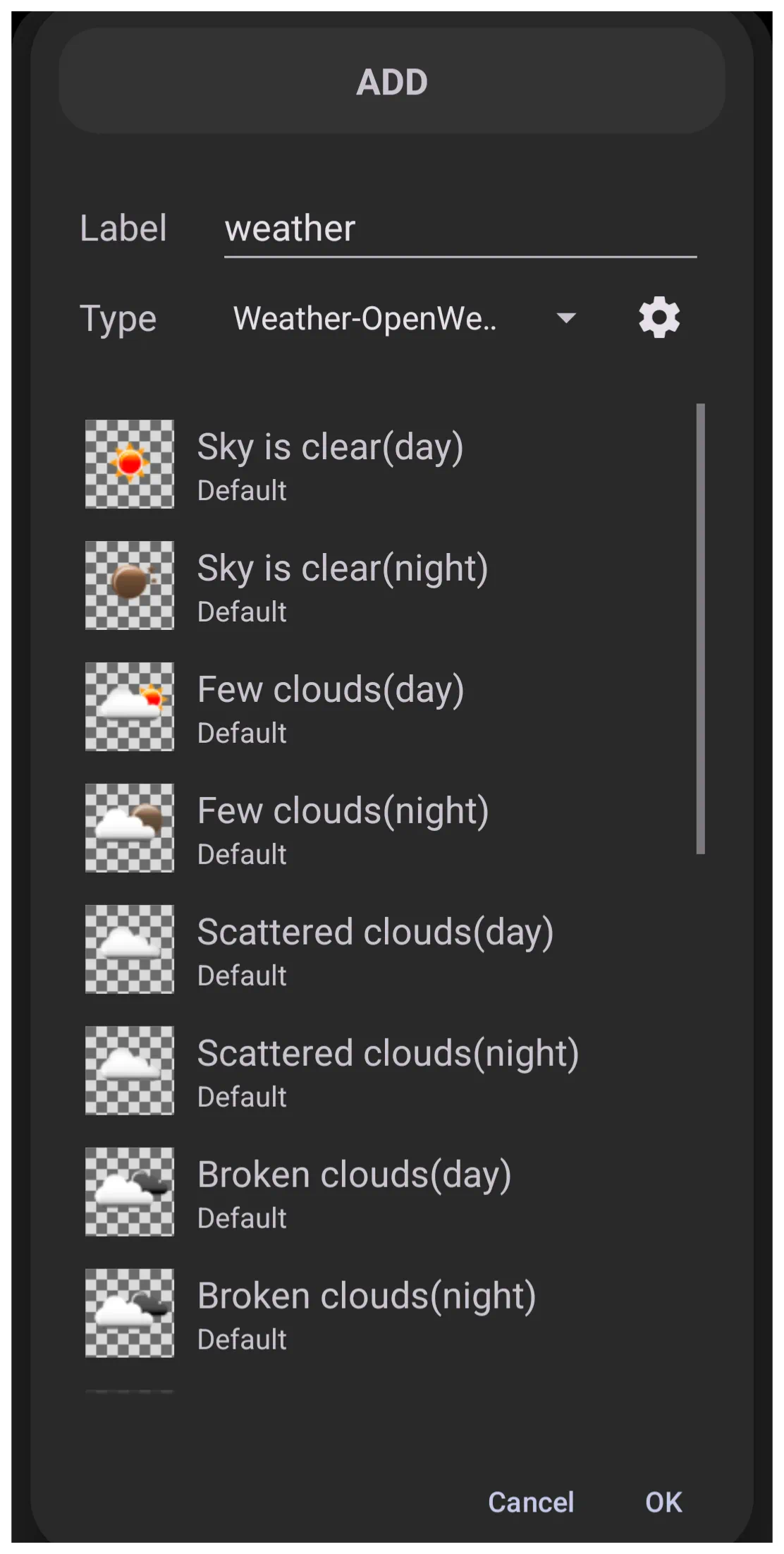
- Shows current weather condition icon (via OpenWeatherMap). Location: Weather is determined by GPS.
- By default, the “weather icons” will show the weather at the current GPS location. However, this can be changed in the weather dynamic image settings as discussed in Weather Images.
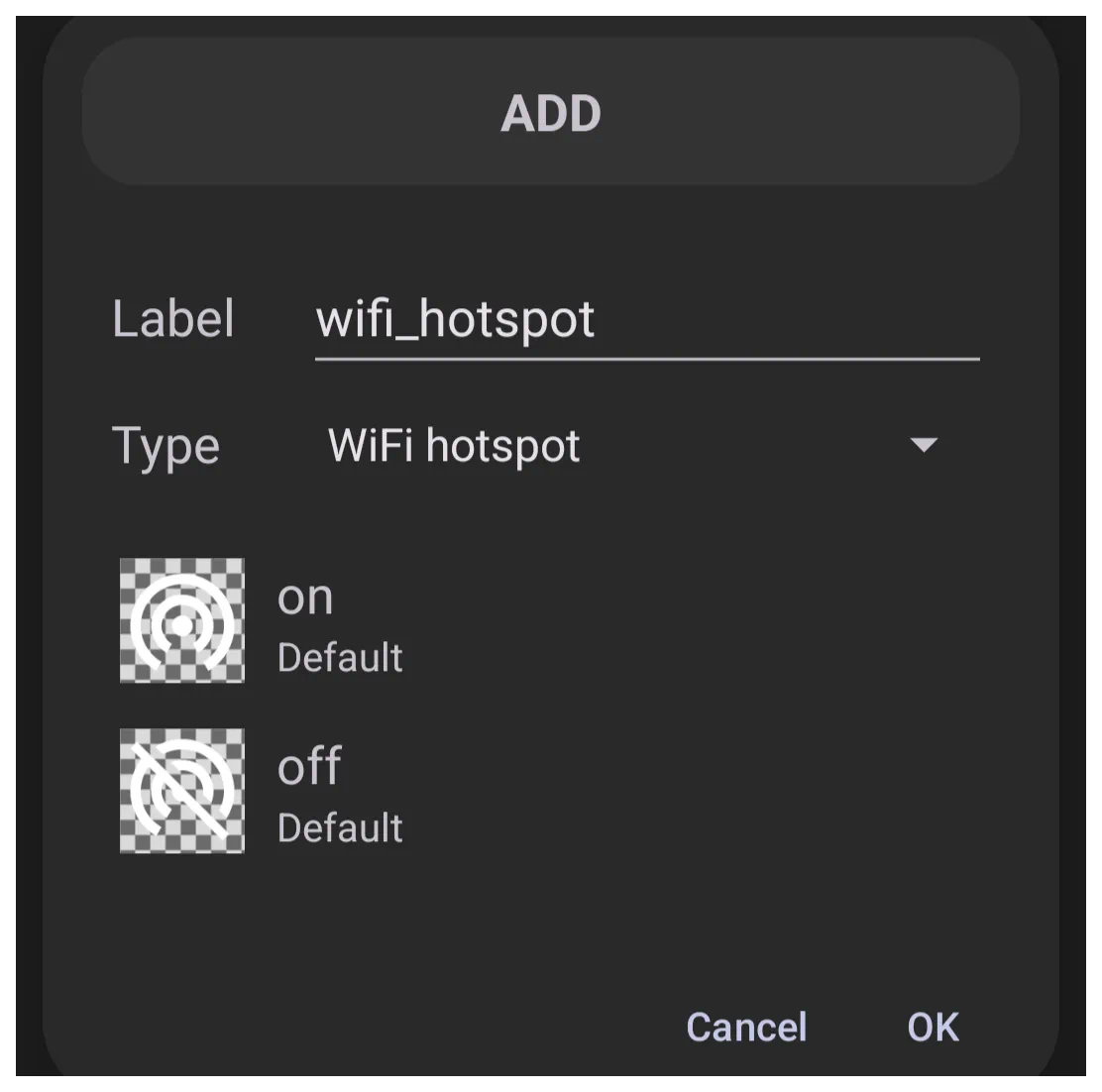
Wifi Hotspot
- shows the state of the device's wifi hotspot as an on or off image
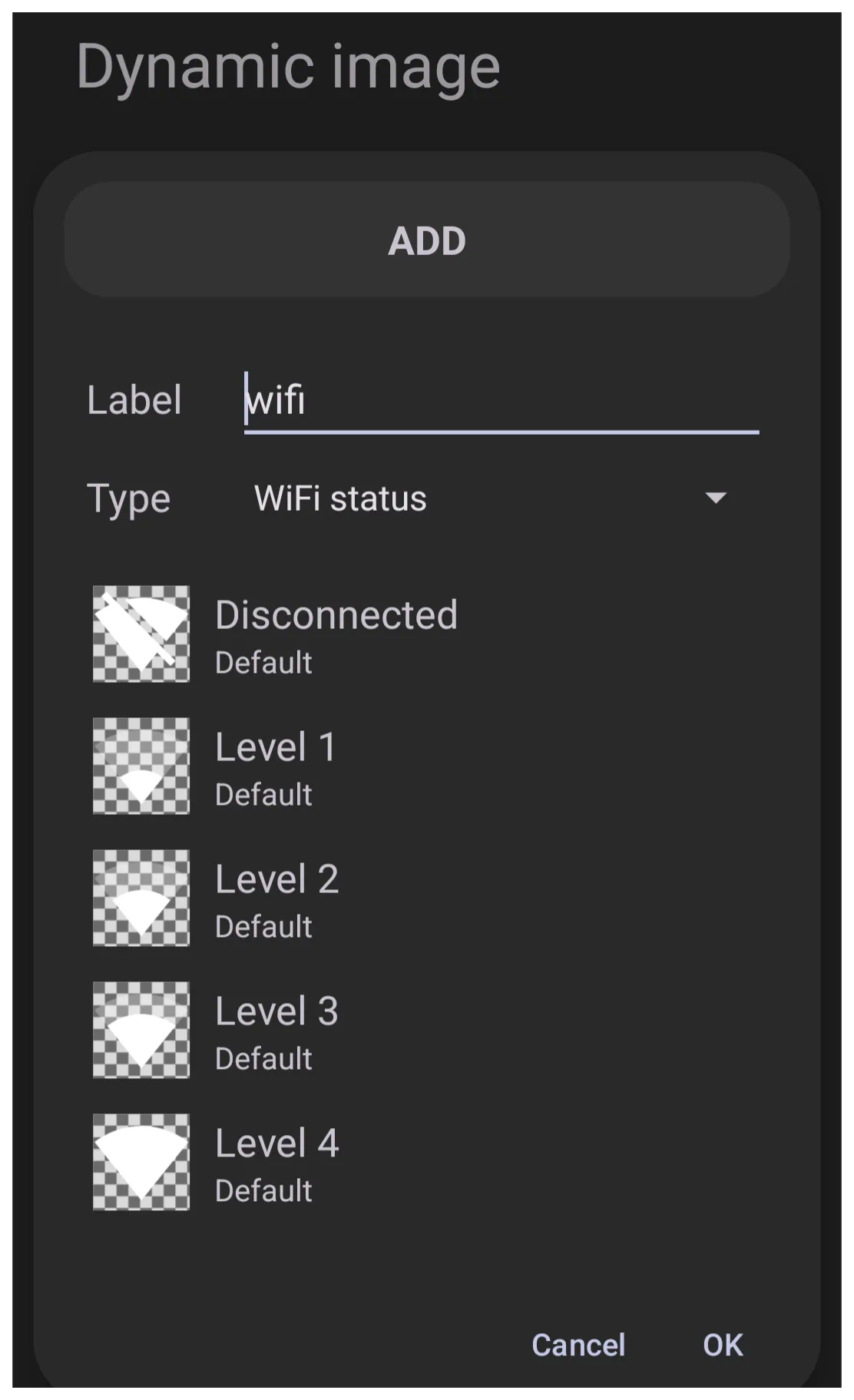
Wifi Status
- Shows Wifi signal strength (25%, 50%, 75%, 100%) or disconnected state (0%).
Comments & Feedback
Toby Lancer is ready to help! Look for the Quick Help form:
► Desktop: left sidebar located near the bottom for Private to Admin
► Mobile: 3-bar menu at page top.
► Use the Discussion section below to share any experiences and communications with other Total Launcher users.
► Any Registered User can directly update this and any wiki page if desired.
Moderation: To keep the manual clean, all comments are held for appropriateness review. Preview any comment before submitting it. It will not display after submission until reviewed. So, please, do not resubmit.
Formatting: If using any code snippets place them inside code tags (e.g., 'code') using double single quotes (') before and after to keep them readable.
Be Kind: This is a community effort. Please keep feedback constructive and on topic.
~~DISCUSSION~~