How To: Page Creation
A page (or screen) is what “holds” your design and it's objects. Using multiple pages can provide
- less screen crowding versus single page
- more screens for more setup design
- categorizing objects (such as widgets)
- more customizing variations or quasi-setups
Total Launcher has the capability to add multiple pages (screen which scroll either left-to-right or right-to-left).
The maximum number of pages has not been documented. If known, please provide input.
To create a new page for a user setup:
- Go to the Main Menu (see How to Enter Edit Mode)
- Tap the Main Menu

- Tap the Edit Off icon
 to fully enter Edit On mode
- The screen will now show the page or pages currently existing in the launcher's setup
- At the bottom of the screen, tap the new page icon

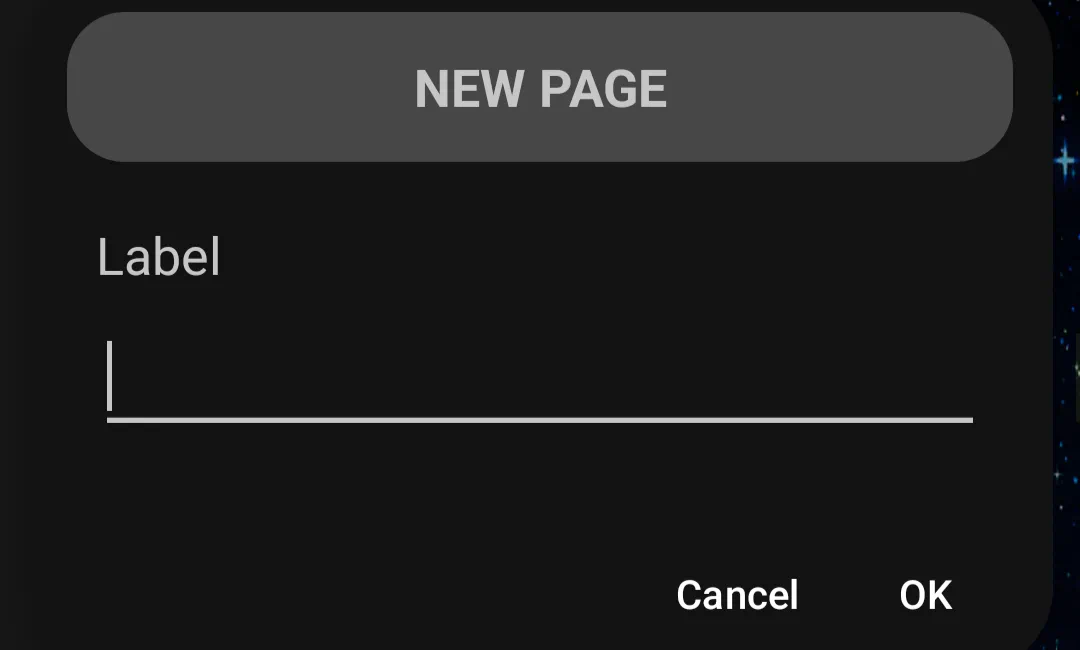
- the New Page Label dialog will open. If desired enter the new title (page name)
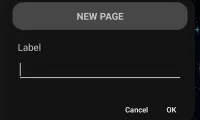
- naming a page is very useful when using Launcher action navigation for “go to”
- tap Ok
- the new page is now in the screen center. Tap it. The new page is now full screen in Edit On mode. Scroll left/right to view other screens

Comments & Feedback
Toby Lancer is ready to help! Look for the Quick Help form:
► Desktop: left sidebar located near the bottom for Private to Admin
► Mobile: 3-bar menu at page top.
► Use the Discussion section below to share any experiences and communications with other Total Launcher users.
► Any Registered User can directly update this and any wiki page if desired.
Moderation: To keep the manual clean, all comments are held for appropriateness review. Preview any comment before submitting it. It will not display after submission until reviewed. So, please, do not resubmit.
Formatting: If using any code snippets place them inside code tags (e.g., 'code') using double single quotes (') before and after to keep them readable.
Be Kind: This is a community effort. Please keep feedback constructive and on topic.
~~DISCUSSION~~